A WordPress object cache reuses suitable data to reduce repeated database work. A persistent cache can keep that data available between page loads. It does not automatically cache every database query.
Novra Object Cache for WordPress provides this layer through Redis, a fast memory store your host must supply. These four checks help you decide whether it fits: site needs, hosting, an existing cache and a plan to verify results.
What a WordPress object cache changes
When WordPress builds a page, it may need data it has already requested. An object cache keeps suitable data ready for reuse, instead of repeating that work. It helps where WordPress or a plugin actually uses the cache.
WordPress already includes an object cache. Its contents normally last for one request, such as loading a page. A persistent object cache keeps suitable data available for later requests. Persistent means reusable between requests, not a permanent backup. Some sets of cached data deliberately remain temporary.
How Redis keeps data between requests
Novra Object Cache connects WordPress to Redis for this reuse. WordPress or a plugin must use the object cache for the data involved. If the requested data is not already stored, this is a cache miss. The data still needs to be obtained or rebuilt. This is not a promise that every database query disappears.
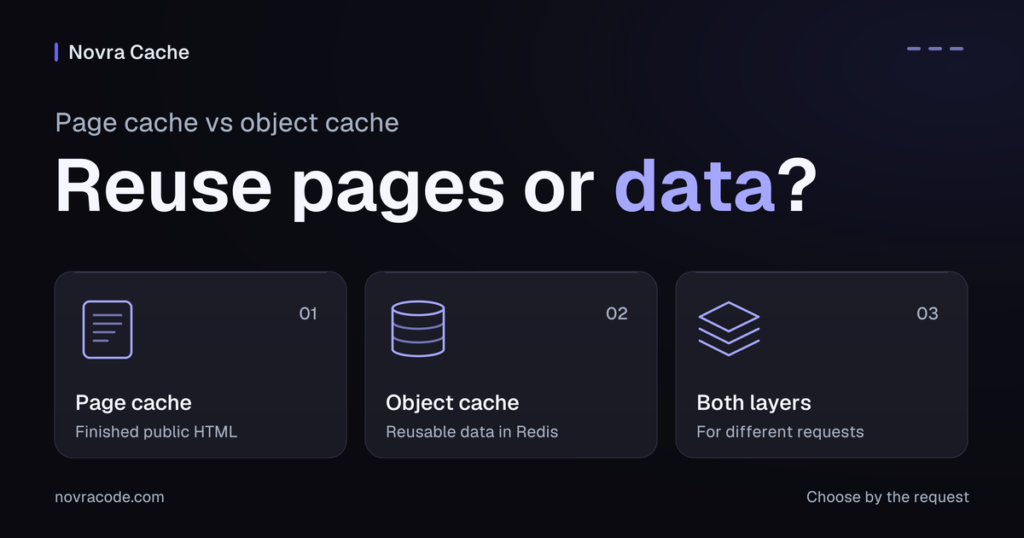
It does not save finished pages. A page cache does that separate job by keeping ready-made page copies. The right choice depends on the work you need to avoid repeating.
The official WordPress object cache reference explains the difference between the default cache and persistent storage.
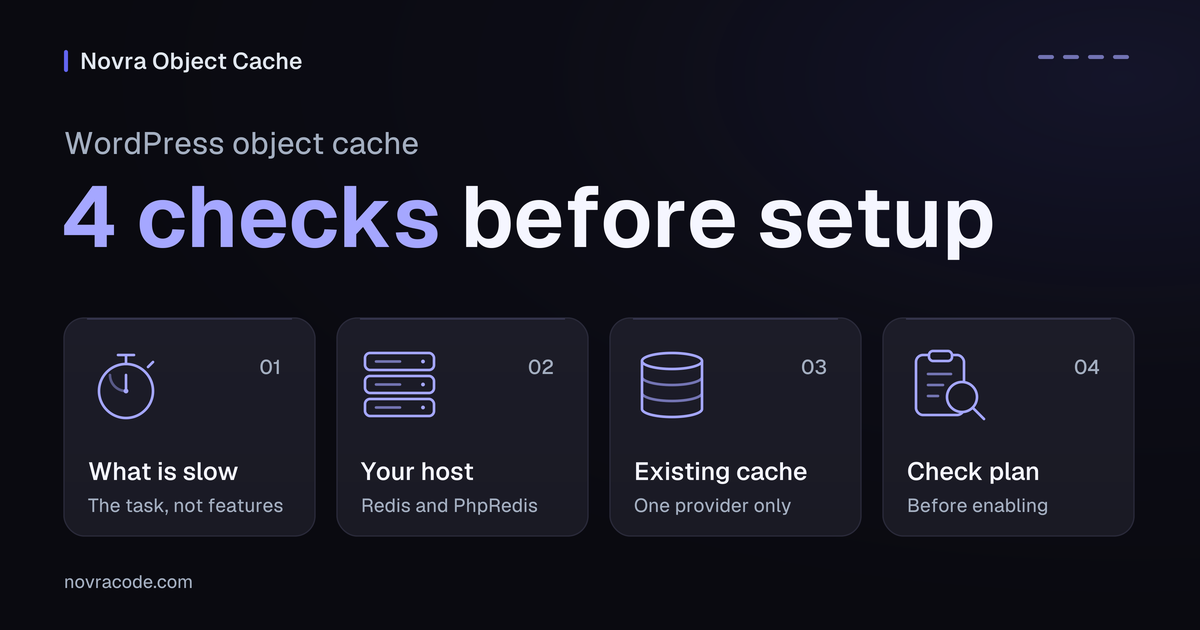
1. Check what is actually slow
Start with a task that frustrates you, not a list of plugin features. Perhaps opening orders feels slow, or members wait when moving between account screens. Note which task is slow and whether you are logged in when it happens.
Repeated database work can contribute to delays in admin, shop and member areas. An object cache can reduce some of that work. But a slow logged-in page does not prove the database is the cause.
Large images, slow third-party scripts and limited hosting capacity need their own attention. Novra Cache covers page caching and image optimization; Novra Object Cache does not replace those functions. A small site with a few public pages may have more useful improvements to make first.
WordPress Site Health, its built-in check-up screen, may recommend a persistent object cache. That performance recommendation is a reason to investigate, not proof that your site is broken. Ask your host to help identify what needs attention.
Choose the next step by the work
PhpRedis is the server add-on that lets the plugin connect to Redis.
| What you notice | What to check | Useful next step |
|---|---|---|
| Repeated, reusable WordPress data contributes to slow tasks | Ask your host or developer whether that work uses the object cache. | Consider Novra Object Cache if Redis and PhpRedis are available. |
| Public pages keep rebuilding the same finished content | Check whether an existing page cache already covers those requests. | Investigate page caching; it solves a different problem. |
| Large images or external services cause the wait | Identify the file or service involved. | Address that cause; object caching is not a general fix. |
| Your host already manages an object cache | Confirm its provider, scope and support owner. | Assess the existing service before considering a switch. |
| Redis or PhpRedis is unavailable | Ask whether your hosting plan can supply both. | Do not choose Novra Object Cache until the requirements are met. |
A hypothetical membership example
This is an illustration, not a test result. Imagine a membership plugin stores a shared plan description in WordPress’s object cache. A later page load may reuse that description from Redis instead of rebuilding it. The account screen still needs its own current details and permission checks.
If the delay comes from a remote billing service, storing the plan description will not remove that wait. If the plugin never uses the object cache for this data, Redis alone will not change that. A developer should confirm which of these situations applies before you expect a benefit.
2. Check what your host provides
Before installing Novra Object Cache, confirm that your hosting plan provides the pieces it needs. Redis is the memory store, while PhpRedis is the PHP add-on that lets the plugin communicate with it. PHP is the software language WordPress runs on.
Having Redis available does not automatically mean PhpRedis is installed. Novra Object Cache does not install or host the Redis service for you.
The documented minimums are WordPress 6.0, PHP 8.0 and Redis 5.0. PhpRedis is required, and Redis 6.0 or later is recommended. Give your host this question before changing anything:
Does my plan include Redis and the PhpRedis extension, and is an object cache already enabled for my site?
Some connection fields may show Managed by your host when host-provided values are detected. That does not mean every hosting plan needs no setup. Use the Novra Object Cache setup guide for the connection details that apply to your site.
3. Check for an existing object cache
You may already have this layer covered, even if you did not install it yourself. Your host might manage a persistent object cache as part of the plan. Confirm which service provides it and who maintains it before adding another plugin.
A plugin with “cache” in its name might provide page caching, object caching or both. Read its settings or documentation instead of deciding from the name alone.
WordPress uses a drop-in, a small file it loads to use an object-cache provider. This layer should have one provider. A page cache can work alongside it because it does a different job.
Novra detects another provider’s drop-in and does not silently replace it. If a conflict appears, pause and agree on a change with your host or administrator. Switching providers is a deliberate change, not a way to double the benefit.
4. Know how you will check the result
Decide what a successful result must look like before enabling anything. Keep this as a check plan; use the setup guide for installation and connection details.
- Record a representative task, whether you are logged in, and the data you expect to see. Leave timing fields empty until someone measures them.
- Agree on a check in staging, a separate test copy of your site, with your host or developer. Confirm a backup, the existing provider and a way to restore the previous setup.
- After an agreed setup, check the Redis connection and the WordPress cache status separately. Ask for help if either is unclear.
- Repeat the same task under comparable conditions. Check current data and correct behavior as well as responsiveness.
“Connected” only confirms a Redis connection. It does not, by itself, prove that WordPress is using the intended object-cache provider.
Novra’s Dashboard separates connection and drop-in status. Its cache-related Site Health checks help investigate problems. Neither is a guarantee that your whole site works correctly.
A cache hit means stored data was found when requested. Hit ratio shows how often that happened; latency means how quickly the cache answers. These describe cache activity, not complete page speed. A higher hit ratio alone does not establish an improvement.
Record the task, date, login state, cache state, method and observed result. Early requests may have little reusable data, so one request is not a useful before-and-after result. Do not fill this record with assumed gains.
When to stop the evaluation
Pause if the provider is unclear, the prerequisites are missing, or there is no recovery plan. During an agreed staging check, stop if current data becomes wrong, tasks fail or repeated checks become slower. Have the host or developer restore the last working setup and verify it. Do not experiment on the live site or assume clearing cached data will solve the cause.
Common questions before you decide
Do I need this if I already use a page cache?
Not automatically: a page cache keeps finished pages, while an object cache keeps reusable data. Check whether repeated data work is a real issue and whether your host already provides an object cache.
Can Novra Object Cache work without Redis?
No, this plugin needs Redis and PhpRedis from your hosting environment. Other persistent-cache technologies exist, but they do not replace those requirements for Novra Object Cache.
Does the Site Health notice mean my site is broken?
No, it is a performance recommendation, not a diagnosis of the cause of slow pages. Your host can help check whether a suitable cache is already available.
Does the license switch caching features on and off?
No, the license controls plugin updates, not caching features. The hosting and license questions explain those requirements before you decide.
If your host supports it and these checks fit your site, explore Novra Object Cache. One payment · No subscription · 30-day refund.