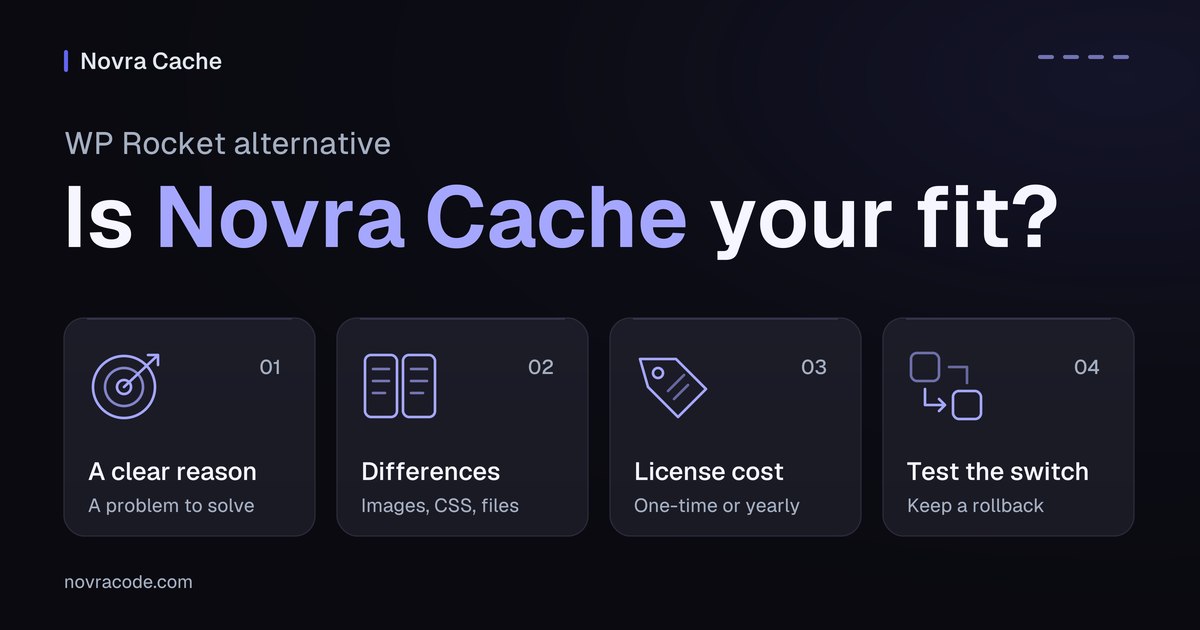
If you want a WP Rocket alternative with a one-time license, Novra Cache is worth testing. It combines page caching, local image processing and page-specific file controls. Keep WP Rocket if your current setup works and switching would solve no clear problem.
We make Novra Cache. This comparison uses public product documentation checked on 4 October 2026. It is not a speed benchmark or a hands-on compatibility test.
When switching makes sense
A page cache saves ready-made copies of public pages, reducing the work WordPress repeats for visitors. Both plugins do that. The reason to consider Novra Cache’s features and plans is how its other tools and licensing fit your needs.
- You want a one-time plugin purchase. Novra advertises a lifetime license with no subscription and updates for the life of the license.
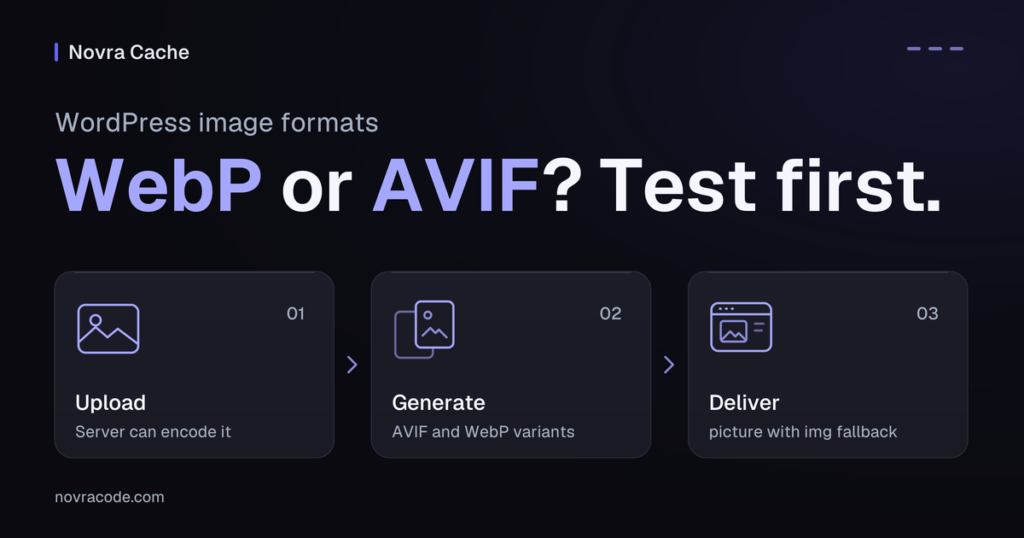
- You want integrated image-file processing. Novra can create WebP and AVIF, modern image formats that can reduce file size. Processing happens on your server, which must support the chosen formats.
- You want page-specific file controls. Its built-in Script Manager can stop loading selected scripts and style files where they are unnecessary.
Illustrative example: your brochure site uses a contact form only on its contact page. Script Manager could keep its files there and remove them elsewhere. First check footer forms, popup forms and any files the form relies on. This is a possible application, not a measured performance result.
Staying with WP Rocket is reasonable when your setup is stable and already handles those jobs. Switching introduces testing and maintenance work. If only checkout or your logged-in dashboard is slow, diagnose that separately: public-page caching does not fix every dynamic request.
Novra Cache and WP Rocket: the practical differences
CSS is the code that styles your pages; JavaScript powers interactions. An asset is a file such as a stylesheet or script. Lazy loading delays off-screen images until visitors approach them. Defer postpones scripts until the page structure has loaded; delay waits for a visitor interaction.
The table compares documented capabilities, not measured speed. Sources include the Novra Cache setup and verification guide and WP Rocket’s feature documentation.
| What matters | Novra Cache | WP Rocket |
|---|---|---|
| License model | One-time purchase. All plans advertise the same features; website allowances differ. | Annual license. Renewal maintains access to updates, support and service-dependent features. |
| Page caching and preload | Both documented. Preload prepares cached pages before visitors arrive. | Both documented. These are shared capabilities, not a Novra-only advantage. |
| CSS and JavaScript | Documents unused-CSS removal, file optimization and script defer/delay. | Documents the same broad categories. Identical results or compatibility should not be assumed. |
| Image files | Local source-image processing and WebP/AVIF generation, subject to server support. | Does not compress images or create WebP/AVIF files; a separate image tool handles those jobs. |
| Image loading | Lazy loading and priority controls, including count-based handling of leading images. | Automatically detects critical images, prioritizes the main image and excludes important images from its lazy loading. |
| Page-specific assets | Built-in Script Manager with page, content-type and URL-pattern rules, exceptions and administrator-only testing. | Documents working alongside Asset CleanUp, with overlapping features disabled. |
| Starting configuration | Page caching and code optimizations start disabled. New-upload image-processing options have enabled defaults. | Page caching is applied on activation. You still need to verify your own pages and interactions. |
Compare image files and loading separately
Compressing or converting an image changes the file visitors download. Loading optimization changes when the browser requests it. WP Rocket does optimize image loading, even though file compression and format conversion are separate jobs.
Novra’s integrated processing may remove the need for a separate conversion tool. Check what your existing image plugin or hosting already provides before replacing anything. Novra’s leading-image counts also need checking; they are not automatic recognition of the most important visible image.
Understand the CSS service dependencies
Remove Unused CSS produces the design rules a page needs. Both products document this feature, and both rely on external processing.
Novra needs an active site license, reachable Novra services and a page its service can access. WP Rocket’s unused-CSS requirements likewise include a valid license and public page access. A one-time Novra license does not make CSS generation local or offline.
A password-protected test site cannot validate that service-dependent step while access is blocked. Keep private material protected and arrange an appropriate test environment with your host. Check open menus, dialogs and mobile layouts, not only the first screen.
Compare the license cost, not just the headline
These were the displayed prices on 4 October 2026:
- Novra Cache: $79 once for 1 website; $149 for 5; $249 for 25; $399 for unlimited websites.
- WP Rocket: $59.95 per year for 1 website; $119.95 for 3; $299.95 for 50.
The WP Rocket pricing page also offers larger site allowances. The 50-site Multi plan is not unlimited. Compare the allowance you actually need, and check taxes, discounts and current checkout terms.
Novra costs more upfront at the displayed single-site prices: $79 versus $59.95 for WP Rocket’s first year. Novra’s appeal is the absence of a recurring plugin subscription, not a lower day-one bill. Any remaining value in your current license also matters.
WP Rocket’s automatic-renewal policy says new orders renew every 12 months unless you opt out. Turning off renewal is not the same as immediately disabling the plugin.
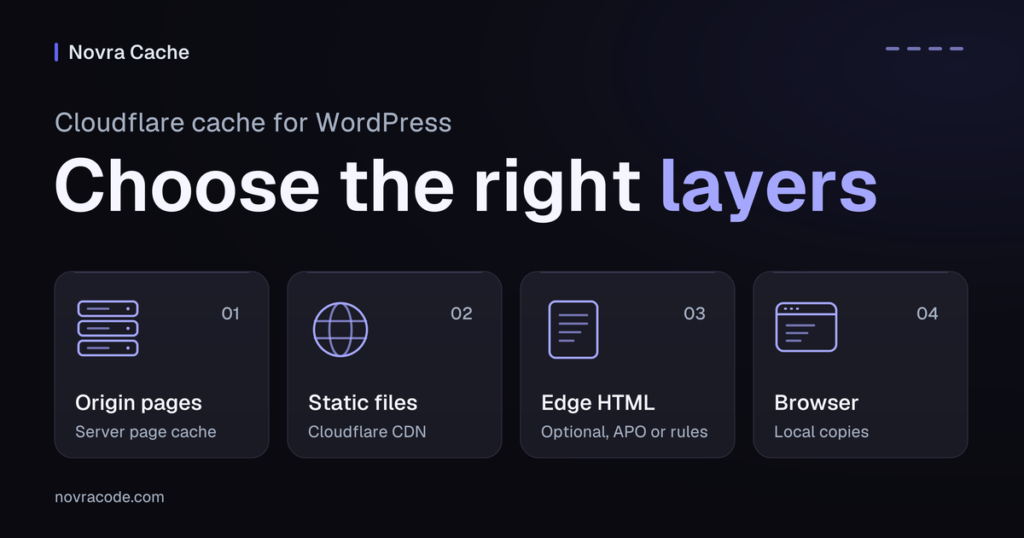
Its license-expiry documentation says the plugin continues operating, but access to updates, support and listed services changes. Cloud features stop working 15 days after expiry. These include Remove Unused CSS, Load CSS Asynchronously and Rocket Insights.
Novra advertises a 30-day money-back guarantee; WP Rocket advertises a 14-day refund window. Read the current purchase terms before ordering. The Novra Cache license and hosting answers provide further detail.
Check your host and your site’s sensitive pages
A license comparison cannot tell you whether your hosting is suitable. Before testing Novra, confirm these basics:
- Supported software: WordPress 6.2 or later, PHP 8.1 or later, and administrator access.
- Working cache storage: the server must let Novra write its cached files. Its Dashboard health checks also identify page-cache ownership conflicts.
- Supported image formats: GD or Imagick, the server’s image-processing libraries, must include the necessary encoders. A plugin setting cannot add missing server support.
- Clear cache ownership: ask your host which caching layers it runs and which plugin configurations it supports. Do not disable managed-host protections to force a switch.
Novra documents exclusions for WooCommerce cart and session requests. WP Rocket also documents exclusions for sensitive shopping pages. Neither statement proves that your custom checkout, membership pages or personalized content behave correctly.
Verify the actual visitor journey. Include cart, checkout, account, forms and consent controls. Novra Cache is not a persistent object cache, which remembers database answers between requests. Investigate slow dynamic actions separately instead of expecting a page-cache swap to solve them.
Test a switch without losing your known-good setup
Use this as a controlled trial, not a promise of one-click migration. Do not assume WP Rocket’s exported settings can be imported into Novra.
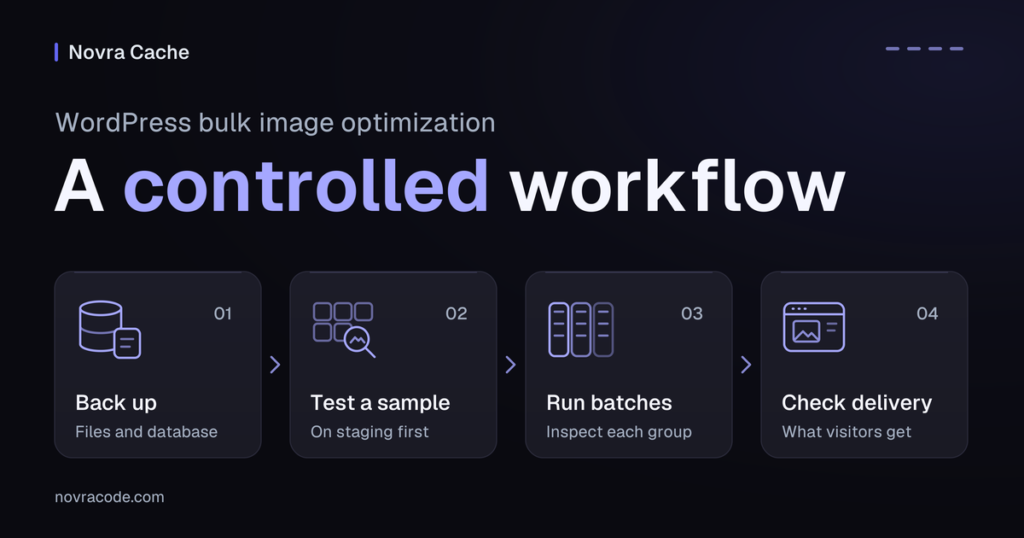
- Make a restorable backup and record your current setup. Save current settings, exclusions and a list of active optimization tools. Include an independent backup of your media files: source-image processing can change originals.
- Record a baseline before changing plugins. Test your homepage, a content page and any important product page. Complete your main form or shopping journey. You can check your site’s current performance, then record the device, connection and cache state for later comparison.
- Prepare a suitable test environment and rollback plan. Keep WP Rocket and its recorded settings available. A staging site is a test copy of your site; confirm which cloud features it can actually exercise.
- Keep one plugin responsible for page caching. Deactivate WP Rocket before activating Novra Cache. Check Novra’s cache health before enabling its page cache. Coordinate existing host-managed caching with your host rather than stacking competing plugin caches.
- Activate the Novra site license and inspect the defaults. Review the Media tab before uploading new images. Image processing has enabled defaults, unlike page caching and code optimization. Enable page caching first, then visit the same public page twice.
- Add one group of optimizations at a time. Test CSS changes, JavaScript changes and asset rules separately. Preload can follow once normal caching works. Recreate only the exclusions you need. Novra’s Delay JS Safe Mode and Script Manager Testing Mode apply their respective changes only to administrators.
- Repeat the checks as a logged-out visitor. Administrator-only modes are not a full visitor test. Check mobile menus, popups, search, forms and consent choices. On shops, verify variations, cart updates, coupons, shipping, payment and confirmation using a safe test order. Check images and page layout on desktop and mobile.
- Check freshness, measure again and choose what to keep. Change test content and confirm visitors receive the update across the plugin and host caches. If you use a content delivery network (CDN), which serves copies from distributed servers, check its copies too. Compare the same URLs and conditions. Separate cold-cache runs, without prepared copies, from warm-cache runs, with copies ready. Record successful settings; if a fault persists, deactivate Novra and restore your recorded WP Rocket setup before retesting.
For asset rules, start with one page rather than a site-wide exclusion. Removing a file is different from delaying it. A script that seems unnecessary before interaction may still power a menu, a consent choice or a form.
Choose the setup you can maintain
- Test Novra Cache if its one-time license, local image tools or integrated asset rules solve a problem you can name.
- Keep WP Rocket if your existing setup works, its tools meet your needs and switching adds more work than it removes.
- Defer the switch if your host requirements are unclear or the slow part of your site has not been diagnosed.
If Novra fits your requirements, compare Novra Cache plans and requirements, then test it under the advertised 30-day refund policy. Judge the result by reliable pages and working customer journeys, not a promised performance score or ranking.