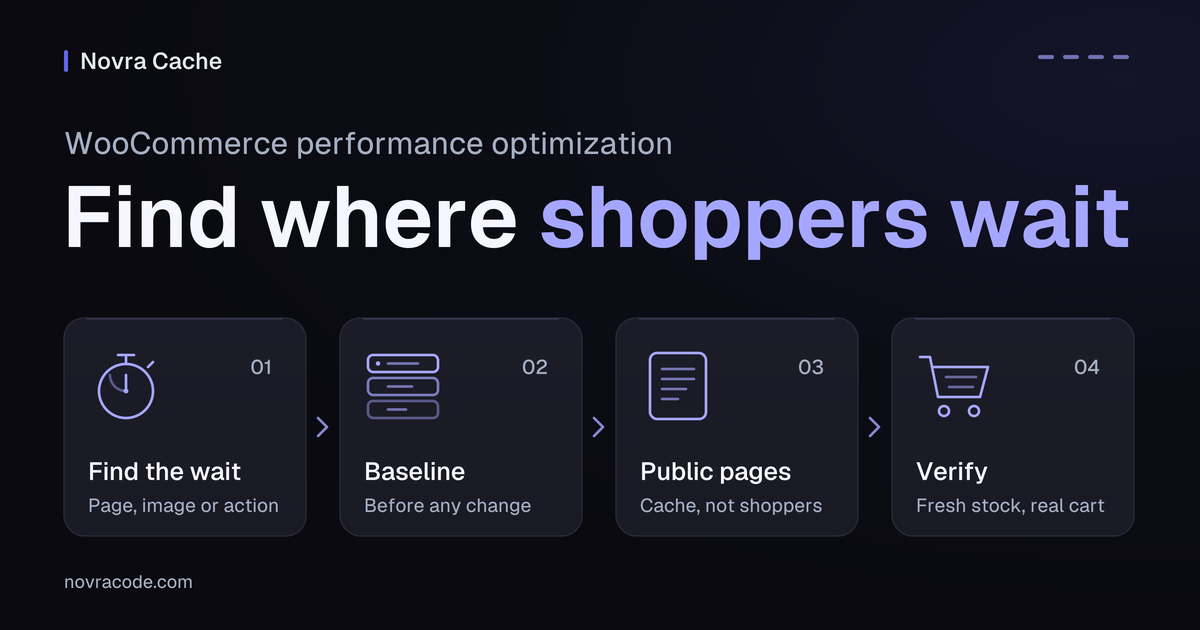
WooCommerce performance optimization starts with finding the step that makes shoppers wait. First separate reusable public pages from customer-specific requests, such as cart updates. A request is one browser-to-server exchange. Compare page delivery, the main image and shopping actions before changing one setting.
Novra Cache’s page-delivery controls are our starting point when repeated public pages or needed files cause the delay. Its page cache saves reusable HTML, the page’s structure and text, so eligible visits need less rebuilding. Separate file controls help you target delivery problems. They cannot automatically fix a slow private checkout.
The checks below give you a plan for your store, not results from a shop we tested.
Find where the shopper actually waits
A public URL, or web address, is not necessarily reusable. Prices, currency, access rules or personalized content can change what each shopper should receive. Keep cart, checkout and account responses dynamic, meaning generated for that customer.
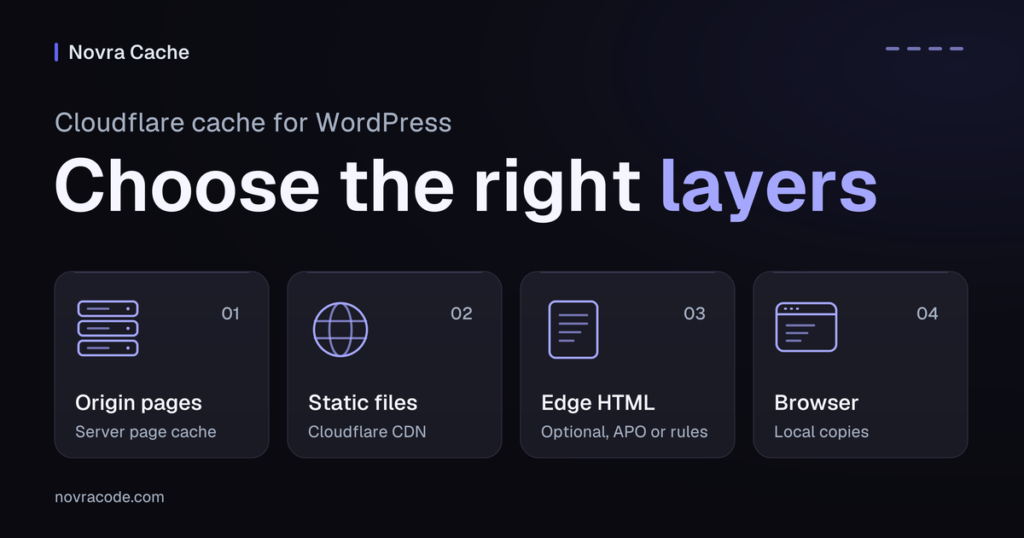
Cookies are small browser records that help a store recognize a shopper’s state. That state matters when comparing requests. So do separate caches at your host or a content delivery network (CDN). A CDN can deliver copies from servers closer to visitors.
Use this decision matrix to choose an investigation, not to assume a cause. A mini-cart means the small cart summary often shown in a site’s header. A product variation is a selectable version, such as a different size or color.
| Observed problem | What to inspect | Possible next action | What would verify it |
|---|---|---|---|
| A repeat anonymous product visit waits before HTML arrives. | Whether the response is reusable; its cookies, extra values in the URL and actual cache behavior. | If repeated page building is confirmed, test Novra Page Caching. Check host and CDN rules separately. | The same eligible request behaves as expected, with current content and independent carts. |
| The page arrives, but its main product image appears late. | When the image starts loading, its delivered size and its loading priority. | Review existing-image delivery and suitable Novra media controls. Do not automatically delay the main image. | The image appears promptly in the same view; the gallery and page layout remain usable. |
| A variation selector or mini-cart does not respond. | Whether the last file optimization delayed code that the control needs. | Restore that specific change. Investigate the affected code and the other files it needs. | The first tap, variation change and cart update work on desktop and mobile. |
| A changed price or stock value stays outdated. | The actual update method, affected pages and copies held by outer cache layers. | Check Novra’s documented product-update clearing and any additional dependent pages. Preparing more copies in advance is not the default fix. | Product, shop and relevant custom views show the intended test value after that update. |
| Public pages respond well, but a correctly uncached request remains slow. | The exact waiting request, extension work and possible external-service delay. | Ask your developer for request-specific evidence. Consider reusing database answers only if repeated database work is a meaningful cause. | A controlled comparison of that dynamic action, not a faster homepage score. |
A URL parameter is an extra value in an address that can change an action or its result. Preserve meaningful parameters during comparisons. Removing a cart, currency or pricing parameter can change the request you intended to test.
Object caching means reusing database answers, not sharing finished customer pages. We cover its requirements below. A quick product page does not prove a quick checkout.
Record a baseline you can compare
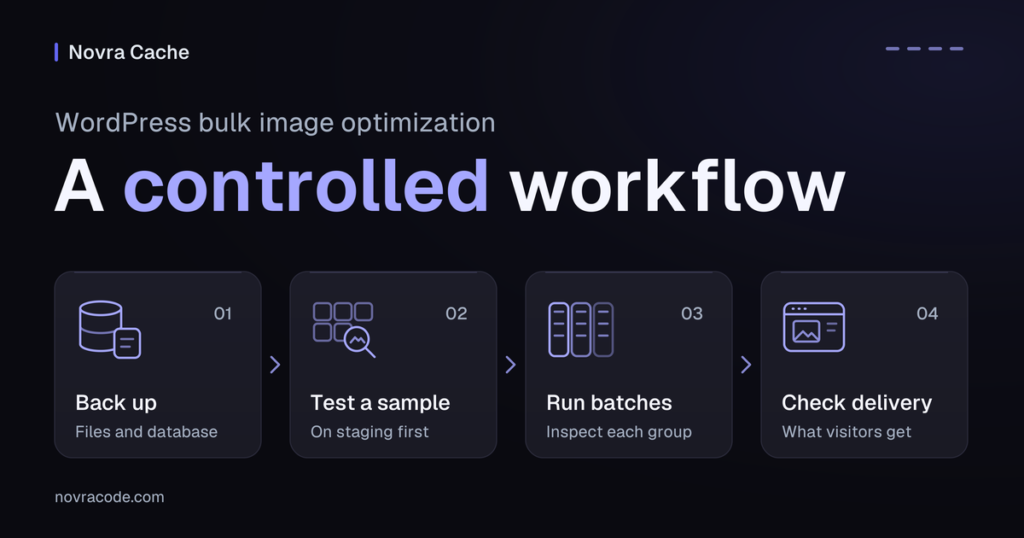
A baseline is your recorded starting point. Work on staging, an isolated copy of your store, with a current backup and a way to restore individual settings. Keep its theme, extensions and caching arrangement representative. Record differences from production because they can affect the comparison.
Choose a representative product, shop listing and shopping action. Include the homepage and another page containing a mini-cart. Repeat the same device, network and shopper state. Record server waiting, main-image appearance and interaction behavior separately.
| Baseline field | What to record |
|---|---|
| Date and environment | Capture time, staging address and relevant differences from production. |
| URL and page type | The exact product, listing, cart or account view. Remove private values from shared notes. |
| Device and network | Browser, desktop or phone, connection and measurement method. |
| Shopper state | Guest or logged in, empty or populated cart, selected variation and relevant cookie names. Do not copy cookie values. |
| Cache layers and state | WordPress, host and CDN layers. Note cold, with no reusable copy, or warm, with one already available. Record repeat visits separately. |
| Exact action and wait | Opening a product, selecting a size or changing quantity. Note which request waits and whether the correct result appears. |
| Visual and interaction observations | When the main image appears, whether the layout moves and whether the first interaction works. |
| Focused change | One setting, its previous value and the reason for changing it. |
| After-change result and recovery | Repeat the same observation. Record improvement, no change or regression, plus the setting to restore. |
Leave measured values blank until you collect them. Add the date, state and method beside any later number. Do not compare a warmed guest page with a first logged-in visit and call the difference an optimization.
Optionally, check a public page with Novra Speedtest for page-delivery clues and controlled test results. Use a public catalogue or product URL. Do not submit private account, checkout or order addresses. A public report does not test separate shopper sessions or complete a purchase.
Hypothetical example: a product page opens promptly, but its size selector needs a second tap after a script setting changed. Restore that setting and repeat the first tap in a fresh shopper session. Adding more page caching would not test the suspected cause.
Reuse public pages without caching the shopper
Novra Cache fits when WordPress repeatedly builds the same eligible public response. A ready-made copy can avoid that repeated page-building work. First confirm one WordPress page-cache owner; do not stack competing page-cache plugins. Identify any additional host or CDN cache before testing.
Novra’s documentation describes successful public page requests as candidates. It also documents bypasses for logged-in users and WooCommerce cart or session cookies. A bypass means the request does not reuse the shared page copy. These protections still need checking with your actual theme, extensions and shopper states.
- Record the assigned cart, checkout and account routes, including related actions and private subpages. Inspect the cookies your store actually uses.
- Check existing exclusions before adding rules. Keep personalized routes, cookies and actions out of shared page caching at every relevant layer.
- Follow Novra Cache’s staged setup guide. On staging, start with normal Page Caching and compare repeat visits to the same eligible public page.
- Check current product information and separate carts before expanding the setup. Add preloading, which prepares copies in advance, only after normal caching works.
Preloading is also called warming. Limit it to appropriate public pages and watch the extra requests it creates. Keep cart, checkout, private pages and action URLs out of warming and speculative link fetching. Do not choose the most aggressive option without checking host capacity.
Clearing an old copy is not the same as preparing a new one. Clearing cached copies is called a purge. Warming still depends on scheduled work and successful page requests. A completed purge or a queued warming job does not prove that shoppers receive fresh content.
With page caching enabled, Novra documents automatic clearing for product, variation and stock changes. Its Advanced → Always Purge (URLs) setting can cover additional pages that depend on changed content. Verify the actual update path and its affected views. This does not establish coverage for every import, pricing extension or scheduled sale.
Novra’s host and CDN purge integrations do not configure those layers’ complete caching policies. Have their owner verify both personalized bypasses and product freshness. Novra Cache’s caching safeguards explain why documented protections still require store-specific checks.
Improve the files that delay the first screen
If HTML arrives promptly but the main image does not, inspect that image’s actual request. Check its delivered dimensions, file size, format and when loading begins. Lazy loading postpones images until they approach the visible area. Do not blindly lazy-load the main product image when shoppers need it immediately.
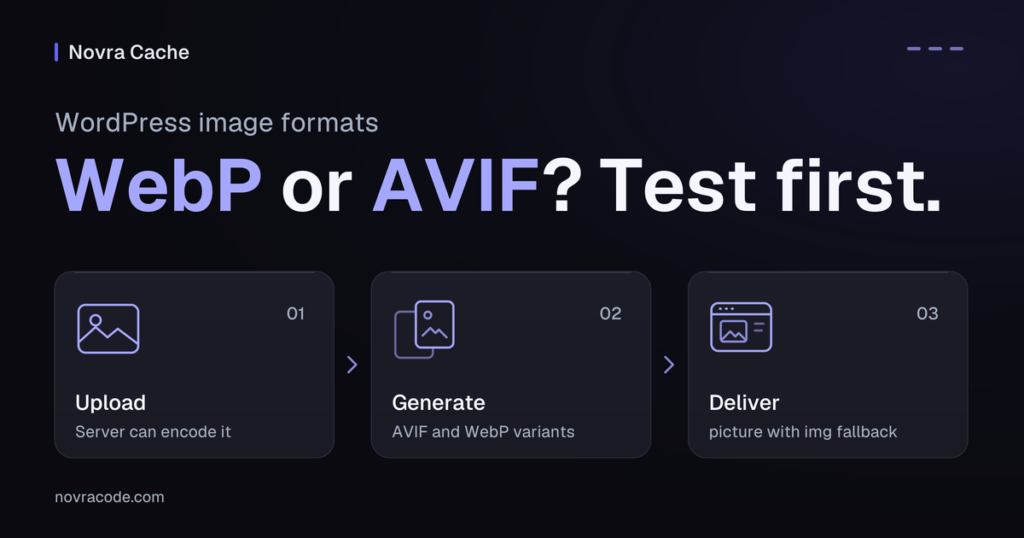
Novra offers media controls, including exclusions for leading images and support for generating alternative image formats. Its leading-image count does not visually identify your important product image. Format generation also depends on the server’s image-processing support. Enabling a setting cannot supply a missing encoder, the software that creates that format.
CSS contains styling rules; JavaScript is code that powers many interactive controls. If these files cause the delay, select one relevant settings group. Novra’s controls can reduce eligible file size or change when files load or run. Check the documented prerequisites for that specific feature before enabling it.
Choose media work for an image-delivery problem, CSS work for a styling delay, or JavaScript work for an observed interaction problem. These are investigations, not guarantees. A file unused on the initial screen may still support a gallery, variation selector, consent choice or payment widget.
Excluding a page from the page cache does not switch off every CSS, JavaScript or media optimization. If an uncached cart breaks after a file change, review that change separately.
Keep mini-carts and product controls working
First identify whether your theme uses the older Mini-Cart Widget, the Mini-Cart Block or a custom cart component. Cart fragments are WooCommerce’s older mechanism for refreshing cart summaries without reloading the whole page.
WooCommerce’s cart-fragments guidance explains the change introduced in version 7.8. The legacy script is no longer simply loaded on every route by default. It can still be needed by the widget, another script or custom code. The Mini-Cart Block does not use that cart-fragments mechanism.
A non-shop page may still contain a cart counter, embedded product or header mini-cart. Do not disable commerce scripts globally because a scanner lists them as unused. Check the first tap, changed variation and resulting cart contents. Fewer network requests alone do not prove a working shop.
Recognize work that page caching cannot remove
A correctly uncached customer request still needs server work. Possible causes include limited hosting resources, extension processing, repeated database work or an external service. Treat these as hypotheses until the specific request supports them. WooCommerce’s store performance guidance covers these wider areas and keeps dynamic shopping pages outside shared page caching.
Give your developer the exact action, capture time, device, login state and cart state. Include the waiting request with private values removed, the cache layers checked and the last setting changed. Describe the expected result and what happened instead. This is more useful than a homepage score or “checkout feels slow.”
If reusable database work is a meaningful cause, a separate object cache may help. Redis is a fast server-side memory store for those reusable answers. Review Novra Object Cache’s Redis requirements with your host.
PHP is the server language that runs WordPress. Novra Object Cache requires WordPress 6.0+, PHP 8.0+ and Redis 5.0+. You also need PhpRedis, the PHP add-on that lets WordPress talk to Redis. The plugin does not install, host or manage Redis.
Object caching does not make customer-specific HTML safe to share. Nor does it guarantee a faster payment-provider response or fix every slow checkout. Keep database investigation and cache configuration with the developer handling the evidence. Do not apply guessed session exclusions or tuning recipes.
Verify fresh products and a working purchase journey
After each focused change, repeat both the baseline and the functional checks. Use two genuinely separate browser profiles or isolated sessions, not two tabs sharing cookies. Check guest and logged-in behavior. The following are proposed acceptance checks, not completed test results. For payment tests, a gateway sandbox is the provider’s test environment.
| Check | Result to confirm on staging |
|---|---|
| Separate shoppers | Give each session different cart contents. One shopper’s cart and mini-cart must not show the other’s items. |
| Shopping controls | Change quantities and variations; apply and remove a test coupon. Recheck shipping choices, totals, login, logout and account access. |
| Desktop and mobile | Check the first tap, navigation, main image, gallery, variation controls and mini-cart. Repeat relevant consent choices. |
| Normal product updates | Save an approved test product, variation or stock change through the normal editor. Verify product, shop and known dependent views. |
| Other update methods | List imports, scheduled sales and custom pricing separately. Mark each unverified until its actual update path and affected views are checked. |
| Purchase completion | Use only the existing gateway’s sandbox on isolated staging. Confirm the payment return and order confirmation without real payments or production side effects. |
Before using that test environment, isolate recipients, fulfilment, stock synchronization and integration notifications. Keep production analytics and conversion events, such as recorded purchases, separate from test activity. Do not install another gateway just for this check.
If you already use WooPayments, its official payment-testing guidance explains that test payments still create WooCommerce orders and send test-labelled emails. Other gateways need their own instructions. If sandbox access or integration isolation is unavailable, stop that test and mark purchase completion unverified. Do not place production orders or create real leads to finish a speed check.
Compare the same recorded state after the change. A lab score describes a controlled page test. A better score is not a pass if shopping breaks. It cannot replace correct totals, fresh stock and working customer interactions.
Choose one next action and keep a recovery path
Prioritize the wait that affects the shopper’s task, then choose the smallest relevant change you can reverse. Write down the expected benefit and the observation that would confirm it.
- Repeated public page building: evaluate Novra Page Caching, then bounded preloading after the basic behavior is correct.
- Delayed needed files: investigate one media, CSS or JavaScript setting group and repeat the affected interactions.
- Slow private server work: take the exact request to your developer or host. Consider object caching only when the evidence and requirements support it.
Stop if a cart, price, stock value, account view or payment step becomes incorrect. Restore the last individual staging change from your notes while preserving required private-page bypasses. Have the host reverse only related infrastructure changes and clear affected staging copies where needed. Then repeat the same observations.
Do not reset every setting, clear unrelated layers or delete database content to chase a score. If the request falls outside Novra Cache’s documented scope, stop toggling features and hand over the evidence.
Explore Novra Cache’s page-delivery controls and choose the first change your baseline supports. Novra offers one-time licensing and a 30-day refund policy for eligible business purchases. Check the current product and purchase terms before buying.