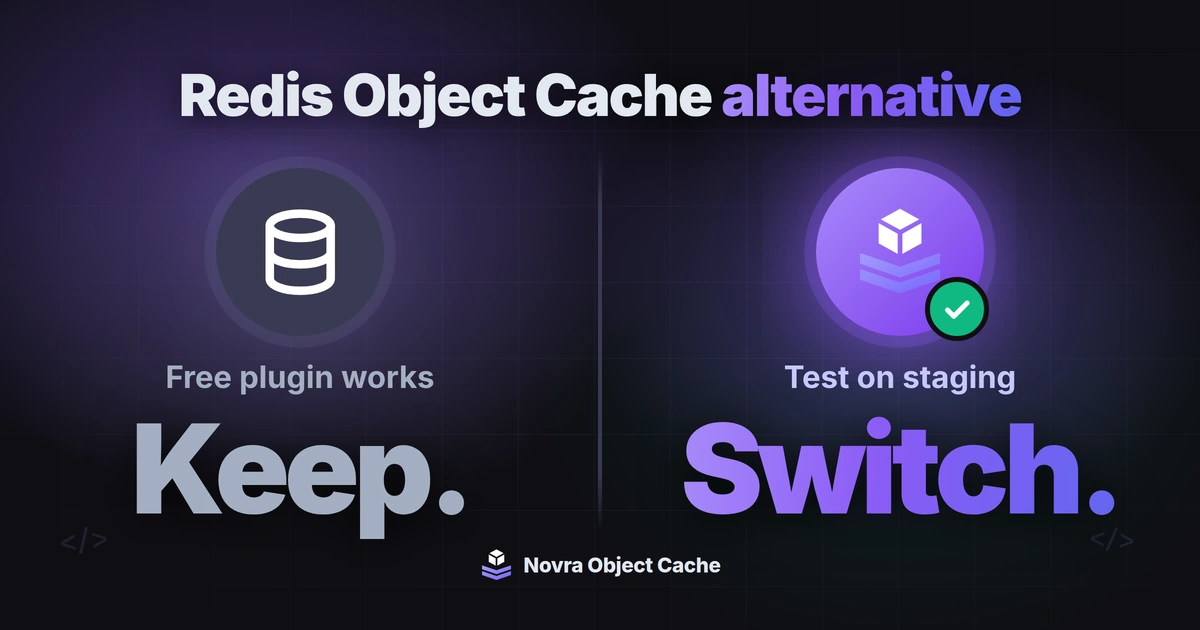
Novra Object Cache is a Redis Object Cache alternative if you want to set up Redis in your WordPress dashboard instead of in wp-config.php, and you are fine paying once for it. Redis Object Cache is free and a good choice for many sites. Keep it if it already does the job, and read on to see when Novra Object Cache fits better and how to test a switch safely.
We make Novra Object Cache. This guide compares Novra Object Cache 1.0.0 with Redis Object Cache 3.0.0 using both plugins’ code (Redis Object Cache from WordPress.org) and their public pages, checked on 7 October 2026. It is a feature guide, not a speed test.
When switching makes sense
An object cache keeps results WordPress has already worked out in Redis, a fast memory store your host provides, so the database has less to do. Both plugins connect WordPress to Redis. They differ in how you set it up and what happens around it.
Keep Redis Object Cache if one of these sounds like you:
- You want a free plugin and editing wp-config.php is not a problem for you.
- Your server has no PhpRedis, the PHP extension that talks to Redis. Redis Object Cache includes Predis, a PHP library that works without it. Novra Object Cache needs PhpRedis.
- You run Redis with replicas or shards. Redis Object Cache supports both. Novra Object Cache supports neither.
- You use PHP below 8.0 or WordPress below 6.1.
Think about Novra Object Cache if you recognise yourself here:
- You would rather enter host, port and cache options in a settings screen than in code.
- Your Redis is shared between sites, and you want a flush to remove only your own site’s keys.
- You want compression and prefetching without a subscription, and no promotion for another product inside the plugin.
- You run WooCommerce and want the right cache rules applied for you, with Site Health showing the cache status.
- You want your site to stay online if Redis stops answering.
Not sure? Write down which of these points you would use every month. If the list is empty, you do not need to switch.
Novra Object Cache and Redis Object Cache: the practical differences
Setup. Redis Object Cache has no settings form: the connection and every option are WP_REDIS_* constants in wp-config.php. Its settings screen shows status, metrics and diagnostics. Novra Object Cache has a settings screen for the connection and the cache options. You can also encrypt your Redis password with one click (AES-256-GCM); the key is created for you.
Flush. A flush clears the cache. Novra Object Cache clears only the keys of your own site, which matters on a shared Redis. In Redis Object Cache, a full flush empties the whole Redis database (FLUSHDB), including keys of other sites that use the same database. Flushing only its own prefix needs WP_REDIS_SELECTIVE_FLUSH, which its documentation lists as unsupported.
If Redis is down. Novra Object Cache switches to WordPress’ own in-memory cache for that request, so visitors see your site instead of an error page. The problem shows up in Site Health. By default, Redis Object Cache shows an “Error establishing a Redis connection” page instead; staying online needs an option its documentation lists as unsupported. Both plugins have an emergency switch constant to turn the cache off.
Extras. Novra Object Cache adds compression, prefetching, WooCommerce rules and 16 WP-CLI commands. The free Redis Object Cache has no compression, prefetching or WooCommerce rules (it lists the first two as Object Cache Pro features) and 4 WP-CLI commands. It does not replace another plugin’s object-cache file without asking, and it makes a backup when you do replace it.
For the full side-by-side list, including where Redis Object Cache is stronger, see Novra Object Cache and Redis Object Cache compared. We keep that table in one place so it stays correct.
Compare the license cost
Redis Object Cache is free, so there is no cost comparison to make. Novra Object Cache is a one-time payment with updates for the life of the license, and your cache keeps working if the license ends. As displayed on 7 October 2026, Novra Object Cache Personal costs $79 once for 1 website.
The price does not buy speed. We have not run benchmarks, and both plugins store the same kind of data in Redis. What the one-time price gets you lists what the payment covers and what it does not.
Check your host and site first
A switch only works if your server can run Novra Object Cache. Before you touch anything, check these points:
- Requirements. Novra Object Cache needs PHP 8.0, WordPress 6.1, the PhpRedis extension and Redis 5.0 or newer (6.0 or newer recommended). Without PhpRedis, the plugin stops when you activate it. Ask your host what your plan offers.
- Your Redis connection. Note host, port or socket, database number, user, password and prefix. Some hosts set these as constants for you.
- Your topology. If you use replicas or shards with Redis Object Cache, stay with it. Novra Object Cache supports Sentinel and Cluster, but not replication or sharding.
- A shared Redis. If other sites use the same Redis, note their database numbers and prefixes. Each site should have its own prefix.
- An existing object cache. Only one object cache can run per site. Our object cache setup checks explain how to find out which one is active.
Do not run two object cache plugins at the same time. WordPress uses one object-cache file per site, and the second plugin would replace or fight the first.
Test a switch step by step
Treat this as a rehearsal, not a one-click migration. We have not tested every host, so each step ends with something you check yourself.
Prepare a test copy
- Back up and write it down. Make a full backup of files and database. Save a copy of your wp-config.php and note which Redis settings it contains.
- Use a staging copy. A staging site is a private copy of your site for testing. Give it its own Redis database number or its own prefix. If staging shares both with your live site, a flush on one can clear the other.
- Read your constants. Settings such as
WP_REDIS_HOST,WP_REDIS_PORTandWP_REDIS_PASSWORDare read by Novra Object Cache as they are, so you do not enter them twice. If you use a combinedWP_REDIS_CONFIGblock from another plugin, Novra Object Cache takes only the connection values from it. Set options such as serializer or compression in its settings screen.
Switch the drop-in
- Turn off Redis Object Cache. Under Settings, Redis, click Disable Object Cache, or run
wp redis disable. Then deactivate the plugin. Both steps empty the Redis database it uses, so plan them with any other sites on the same Redis. - Install Novra Object Cache. Upload the plugin ZIP under Plugins, Add New Plugin, Upload Plugin, then activate it. A license key is needed for updates.
- Let it take over the object-cache file. If another plugin’s file is still there, the dashboard names its owner and asks before it replaces it. Replacing it makes a backup first.
- Check the connection. Open Novra Object Cache, Settings, check your details in the Connection tab and click Test Connection. If your host sets the password as a constant, the Security tab shows Managed by your host, and there is nothing to encrypt. If you enter the password yourself, you can encrypt it with one click: open the Security tab and click Encrypt Password Now.
- Remove old switches. If
WP_REDIS_DISABLEDis set to true, remove it, or the cache stays off, because Novra Object Cache honours that switch too.
Novra Object Cache saves its settings in a marked block in wp-config.php and makes a backup of the file before every change it writes.
Check prefix and flush
Give every site on a shared Redis its own prefix. Novra Object Cache’s flush touches only keys with your prefix, and Redis Object Cache already emptied its database when you turned it off. The cache starts empty and fills again as visitors browse.
Test on staging
- Enable the cache and open Site Health. In WordPress, go to Tools, Site Health. The object cache tests should show the cache as enabled and the connection as working.
- Click through key pages. Open your home page, a post, search, login and the admin area. For a shop, add a product to the cart, check out and open the account page, logged in and logged out.
- Test the failure case. Set the emergency switch (see the code block below) and reload. The site should keep working without the cache, and Site Health should say the cache is disabled.
- Measure your own site. Run our free speed test before and after. We do not promise a result, so compare your own numbers.
// Emergency switch: put this in wp-config.php to bypass the cache
define( 'NOVRA_OBJECT_CACHE_DISABLED', true );
If your host already uses WP_REDIS_DISABLED, that constant works too. NOVRA_OBJECT_CACHE_DISABLED wins if both are set, so false keeps the cache on even when the host sets the other one. Remove the line when you are done.
Plan your rollback
- Click Disable Cache in the Novra Object Cache dashboard, or set the emergency switch.
- Activate Redis Object Cache again and click Enable Object Cache under Settings, Redis.
- If needed, restore your saved wp-config.php, then check your key pages again.
Keep Redis Object Cache installed on staging until you are sure. If Novra Object Cache is not the right fit, you can request a full refund within 30 days.
Go live
When staging looks right, repeat the steps on your live site at a quiet time. Keep your backup for a few days and watch Site Health.
Decide what to keep
Keep Redis Object Cache if you want a free plugin, are comfortable with wp-config.php, or need Predis, replication or sharding. It has a long history, many active installations and a public support forum.
Choose Novra Object Cache if setup in your dashboard, a flush of only your own keys, compression and prefetching, Site Health checks and an in-memory fallback matter to you. See Novra Object Cache for the plans. One payment · No subscription · 30-day refund. The documentation explains every setting.
FAQ
Can I use Redis Object Cache and Novra Object Cache together?
No. WordPress uses only one object cache per site. Turn Redis Object Cache off before you enable Novra Object Cache.
Do I need to enter my Redis settings again?
Not if your host or wp-config.php sets them as constants such as WP_REDIS_HOST. Novra Object Cache reads them. Sentinel, replication and shard settings from Redis Object Cache are not carried over.
Will Novra Object Cache make my site faster?
We do not promise that. Both plugins store WordPress data in Redis, and we have not run benchmarks. Test your own site before and after.