Novra Tracking is a GTM4WP alternative if you want your sales sent to your ad platforms without building tags yourself. GTM4WP does a different job: it adds Google Tag Manager to your site and fills its data layer, and you build every tag there. Keep GTM4WP if you enjoy that control. Read on to see when Novra Tracking fits better, as a replacement or next to it.
We make Novra Tracking. This guide compares Novra Tracking Pro 1.0.0 with GTM4WP 2.0.5 (free, from WordPress.org) using both plugins’ code and their public pages, checked on 7 October 2026. GTM4WP 2.1 is announced for 26 October 2026; its author calls the dates “a plan, not a promise”. This is a feature guide, not an accuracy or speed test.
When switching makes sense
Google Tag Manager is a tool from Google where you collect your tracking tags in one container. The data layer is a list of shop events, such as “purchase”, that the container can read. GTM4WP connects WordPress to both. It does not send anything to Google, Meta or TikTok itself. The tags that do that are yours to build in Tag Manager.
Keep GTM4WP if you are comfortable in Tag Manager and want full control. A switch only pays off when it solves a problem you can name:
- You want to send purchases to several ad platforms, and building and maintaining a tag, trigger and variable for each one is more work than you want.
- You want purchases sent from your server, not only from the visitor’s browser, without running a server-side Tag Manager server yourself.
- You need refunds sent to Google Analytics, Google Ads or Klaviyo. GTM4WP 2.0.5 has no refund event.
- Your shop runs on FluentCart or SureCart. GTM4WP 2.0.5 supports WooCommerce only.
- You would rather pay once than build and run the setup yourself.
Stay with GTM4WP if you need any tag in your container, such as Hotjar or Mixpanel, or a rich data layer for your own reports. It also tracks Contact Form 7 and video and audio players, which Novra Tracking does not. GTM4WP has been on WordPress.org since 2013 and is free. Novra Tracking is a paid plugin at version 1.0.0.
Novra Tracking and GTM4WP: the practical differences
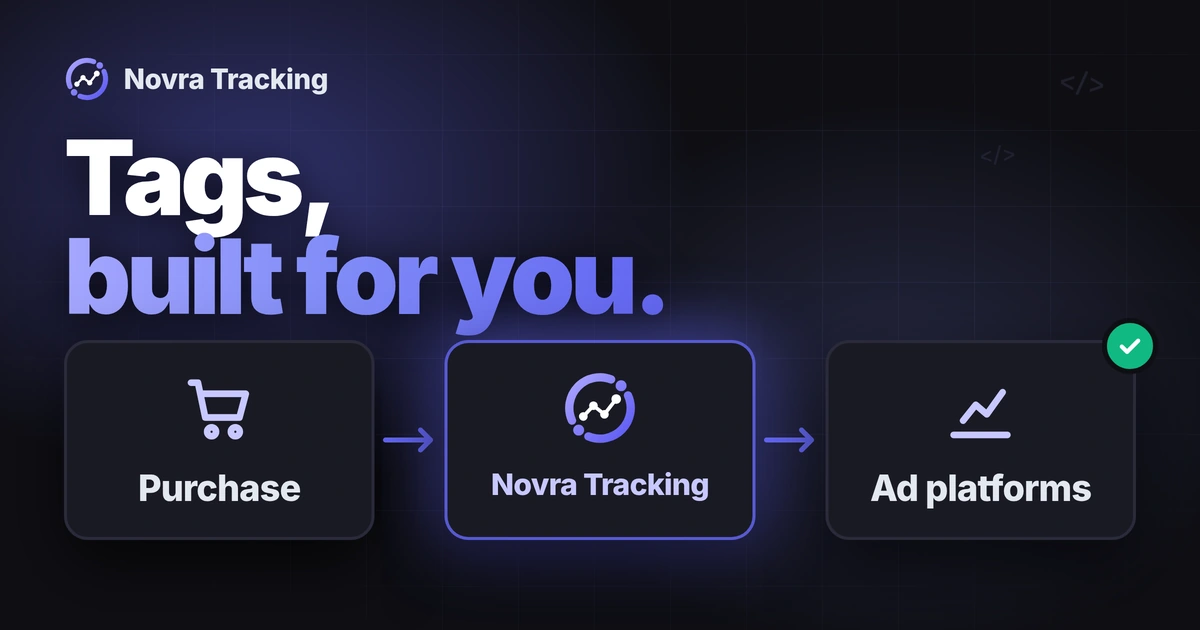
Who builds the tags. With GTM4WP you build each tag, trigger and variable in your container. Novra Tracking loads the browser tags of 20 platforms itself. You switch a platform on and enter its ID.
Purchases from your server. A server connection sends an event from your website instead of the visitor’s browser. Novra Tracking can send purchases from your server to 15 platforms, queued and retried after a temporary failure. GTM4WP 2.0.5 reports purchases from the browser. Its own setting says it cannot capture orders where the buyer pays and never returns to your shop, and that this case needs server-side tracking.
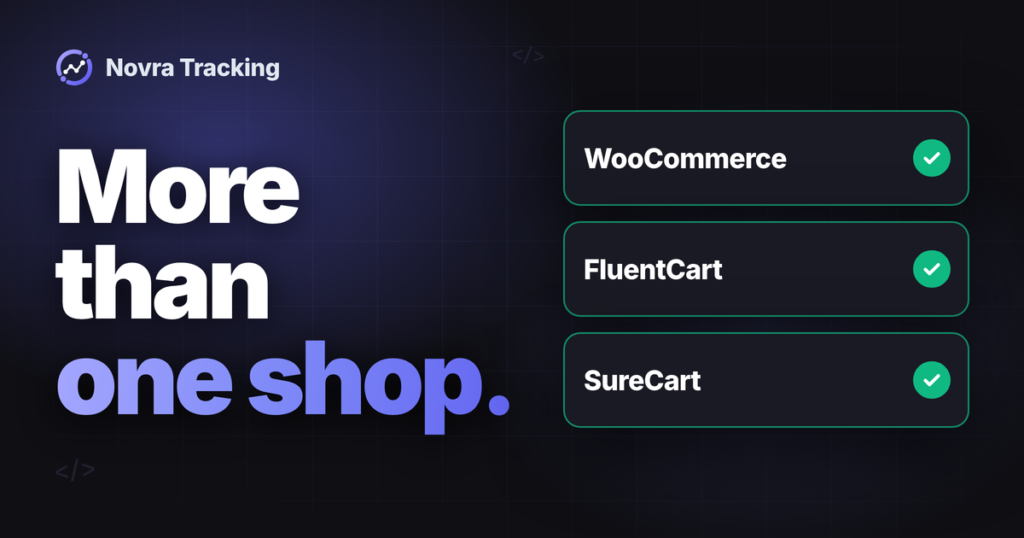
Refunds and shop systems. Novra Tracking sends refunds to Google Analytics, Google Ads and Klaviyo, and works with WooCommerce, FluentCart and SureCart. GTM4WP 2.1 is announced to add Easy Digital Downloads and optional refunds to Google Analytics. Until it is released, that is a plan, not a promise.
Consent. Novra Tracking reads your cookie banner, and it sends server purchases only after marketing consent. GTM4WP 2.0.5 sets a Consent Mode default and relies on your banner or Tag Manager for the update.
Novra Tracking also pushes every event to the data layer, so a container you keep can still use them. For the full side-by-side list, including everything GTM4WP does better, see Novra Tracking and GTM4WP compared. We keep that table in one place so it stays correct.
Compare the cost, not just the plugin price
GTM4WP is free. Novra Tracking is a one-time payment with updates for the life of the license, and your tracking keeps running if you stop receiving updates. As displayed on 7 October 2026: Novra Tracking $79 once for 1 website; GTM4WP is free.
The plugin price is not the whole picture. With GTM4WP, the tags are yours to build, and that takes your time. If you also want server-side tracking through Tag Manager, you run a server-side Tag Manager server. According to Google, its default setup is recommended for testing limited traffic only, and once you upgrade it you can expect to spend $30 to $50 per server per month. Google also recommends running several servers (Google, “Server-side tagging overview”, checked 7 October 2026). Hosting providers sell this as a service. Stape, for example, lists a free plan for up to 10,000 requests a month and a Pro plan at $17 a month, billed $200 yearly, for up to 500,000 requests (stape.io/price, checked 7 October 2026).
Novra Tracking sends from your own WordPress site and needs no extra server. See what the one-time price gets you for the plans by number of websites. Novra Tracking comes with a 30-day money-back guarantee.
Check your site first
A switch only works if you know what your container does for you today. Before you touch anything, check these points:
- Requirements. Novra Tracking needs WordPress 6.4 and PHP 8.0. For a shop, it needs WooCommerce 8.0, FluentCart 1.6 or SureCart 4.9 or newer.
- Your container tags. Open Tag Manager and list every tag. Mark which ones send purchases to an ad platform and which ones do something else, such as heatmaps or custom scripts. Novra Tracking does not replace those.
- Your IDs and tokens. Collect your GA4 measurement ID, your Google Ads conversion ID and label, your pixel IDs and any server access tokens. You need your own account at every ad platform, whichever plugin you use.
- Your cookie banner. Note which banner you use and how Consent Mode is set up today. Novra Tracking works with common banners, but your configuration still needs a test.
- Your data layer name. If you renamed the data layer in GTM4WP, Novra Tracking’s events do not go there, because it pushes to the standard dataLayer.
Test a switch step by step
Treat this as a rehearsal, not a one-click migration. We have not tested Novra Tracking and GTM4WP together, so every step below ends with something you check yourself.
Decide: keep your container or replace it
You can keep GTM4WP and your container for other tags and let Novra Tracking send your purchases. Or you can replace the purchase tags completely. Either way, each purchase should reach each platform once. Novra Tracking does not switch GTM4WP off. Its dashboard warns when it finds a Tag Manager container on your home page.
Rehearse on a test copy
- Back up and write it down. Make a full backup. Save screenshots of your container’s tags and your list of IDs, tokens and consent settings.
- Use a staging copy. A staging site is a private copy of your site for testing. Connect it to a separate GA4 test property and to test sources at each ad platform, so test events stay out of your live campaigns.
- Install Novra Tracking on staging. Upload the plugin ZIP under Plugins, Add New Plugin, Upload Plugin. Tracking features do not need a license key. The license is for updates.
- Enter your test IDs. Open Novra Tracking, then Settings. Switch on one platform at a time and enter its IDs. Most fields also accept the whole snippet.
- Avoid double pixels. For each platform Novra Tracking now sends to, do one of two things: pause that platform’s tag in your container, or leave that platform switched off in Novra Tracking. Never leave both on.
- Send GA4 only once. Pick one sender for Google Analytics, either your container or Novra Tracking. Check with GA4 DebugView or your browser’s developer tools that a single GA4 tag loads.
- Check consent. Choose a consent mode in Novra Tracking and confirm the detected cookie banner. Test twice: once refusing cookies and once accepting. If your container also reads Consent Mode, check that both agree.
- Run a test purchase and compare the events. Walk through a product view, add to cart, checkout and a paid test order. Compare the event names, value, currency and order ID in GA4 DebugView and in each platform’s test tool. Compare them with what your container sent for the same actions before the switch.
- Check one refund or cancellation. Refunds are corrections, not new sales. Confirm they reach the platforms you chose.
Plan your rollback
Keep your container published until you have checked your live numbers. If something does not fit, switch Novra Tracking’s platforms off or deactivate the plugin, then switch your container’s tags on again and check a test purchase. Do not delete tags from your container until you are sure.
Go live and compare
When staging looks right, repeat the setup on your live site during a quiet period. Then compare the same dates, the same currency and the same purchase definition. Totals in GA4, your shop and each ad platform often differ, because platforms credit sales by their own rules. Neither route can promise that a platform credits a sale to an ad. If you need help with a setting, the Novra Tracking documentation explains each one.
Decide what to keep
You now have three realistic outcomes:
- Keep GTM4WP alone if you want any tag in one container, full control, a rich data layer and a free plugin.
- Add Novra Tracking if you keep your container for other tags and want purchases sent to your ad platforms without building those tags.
- Replace your purchase tags with Novra Tracking if you would rather not build tags, or run a server, for every platform.
Want to judge it on your own data? Look at Novra Tracking and its plans. One payment, no subscription, and a 30-day money-back guarantee, so a failed test costs you nothing but time.
FAQ
Is Novra Tracking a full replacement for GTM4WP?
For sending purchases to your ad platforms, it can be. For everything else in your container, no. GTM4WP supports any tag you can put in Tag Manager, and Novra Tracking covers a fixed list of 20 platforms. If your container does more than send purchases, keep it.
Can I run both plugins together?
Novra Tracking also pushes its events to the data layer, so a container can still use them. We have not tested the two plugins together, so rehearse on a staging site first. Pause the container’s purchase tags for the platforms Novra Tracking sends to, and send GA4 from one place only.
Will GTM4WP 2.1 change this?
Possibly in two areas. GTM4WP 2.1 is announced to add Easy Digital Downloads and optional refunds to Google Analytics. Its author describes the dates as a plan, not a promise. This guide covers version 2.0.5, so check the current version on WordPress.org if you read this after 26 October 2026.
Will Novra Tracking recover more sales than GTM4WP?
We do not promise that. Neither route guarantees that a platform credits a sale to an ad. The difference is who builds the setup: with GTM4WP you build the tags, with Novra Tracking the plugin sends them. Your own test purchase is the best check, and the Novra Tracking FAQ explains why totals differ between systems.