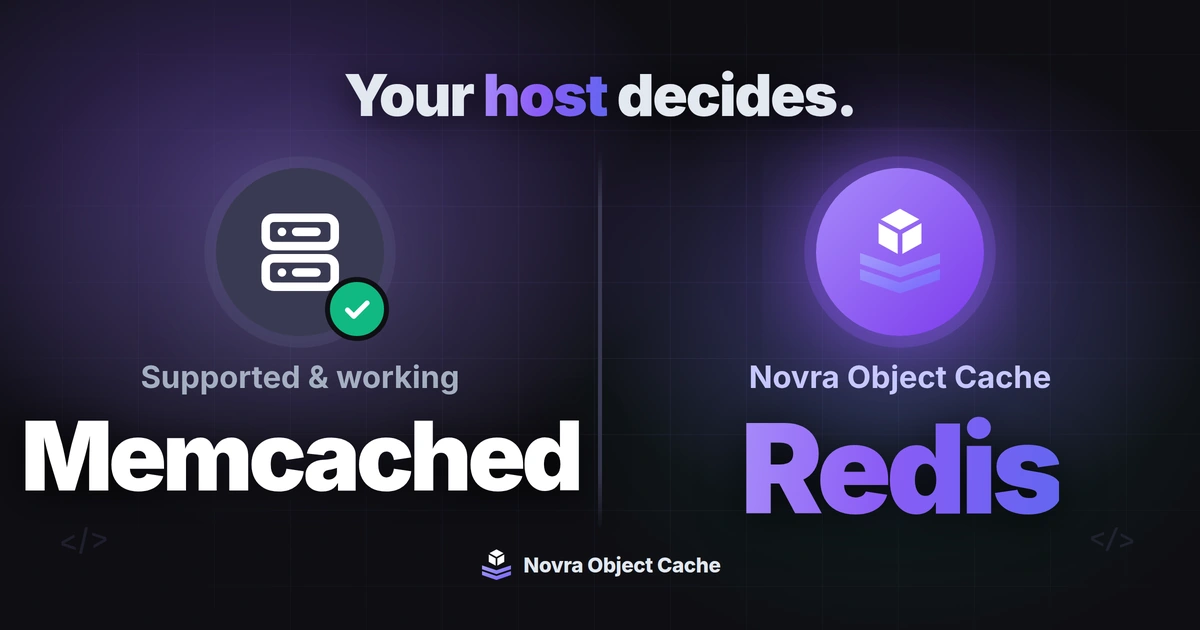
Choose the cache your host supports well and your WordPress site can actually use. Redis and Memcached are memory stores that can keep reusable WordPress data available between page loads through a suitable integration. Keep a working, supported Memcached setup unless you have a clear reason to change. Choose Redis when its supported integration fits your needs.
We make Novra Object Cache. This Redis vs Memcached WordPress guide compares documentation checked on October 8, 2026. It is not a speed benchmark or a test of your hosting setup.
If that route includes dashboard-based setup and cache statistics, consider Novra Object Cache for WordPress. It requires Redis and PhpRedis, a server add-on that connects WordPress to Redis. It is not the Memcached route described here.
Choose by host support before comparing features
A memory store is only part of the setup. WordPress also needs an integration that sends suitable data to it and retrieves that data later. Ask your host which complete setup it supports, not just which service it can install.
| Your situation | Useful starting point | What to confirm |
|---|---|---|
| Your host manages Memcached and its WordPress integration. | Evaluate that supported service first. | Who maintains it, what it caches, and how you can see errors. |
| Your host provides Redis and allows your chosen plugin. | Consider Redis with an integration that meets your needs. | The required PHP add-on, available memory, and support responsibilities. |
| Both services are equally supported. | Compare the WordPress integrations and ongoing operating work. | Setup controls, monitoring, compatibility, hosting charges, and plugin costs. |
| A supported object cache already works well. | Keep it unless a specific gap justifies a change. | Evidence of that gap, not a generic engine ranking. |
| Neither service is supported, or reusable data is not the bottleneck. | Address hosting or the actual cause of the delay first. | Whether an object cache would reduce meaningful work. |
PHP is the language WordPress runs on. Each integration has its own PHP add-on requirements. Do not assume a Redis plugin can connect to Memcached by changing a connection address.
Compare the job they do for WordPress
WordPress includes an object cache for data that is useful to reuse. By default, that data lasts for one request, such as opening a page. A persistent object cache can retain suitable entries for later requests.
The WordPress object-cache documentation lists both Redis and Memcached integrations. Installing either server alone does not connect it to WordPress. WordPress or a plugin must also use the object cache for the data involved.
| Question | Redis route | Memcached route |
|---|---|---|
| Can it retain WordPress cache entries between requests? | Yes, through a suitable persistent object-cache integration. | Yes, through a suitable persistent object-cache integration. |
| What connects WordPress to the service? | A Redis integration and its required PHP client. Novra uses PhpRedis. | A Memcached integration and its required PHP client. |
| What needs monitoring? | Connection health, memory pressure, hits, misses, and eviction behavior. | Connection health, memory pressure, hits, misses, and eviction behavior. |
| Does the engine name prove a faster website? | No. The integration, workload, and hosting setup still matter. | No. The integration, workload, and hosting setup still matter. |
Memcached describes itself as short-term memory for applications. That cache-focused role can be a good fit when your host provides a maintained WordPress integration. Redis offers another route, including the Novra integration described below.
Persistent does not mean permanent
In WordPress, persistence means reuse between requests. It does not promise that cached entries survive a restart or replace your database backups.
Redis persistence options can save data to disk, or persistence can be disabled for caching. Memcached also documents warm restarts under specific conditions. These are separate operating decisions for your host. They do not establish a WordPress speed winner.
Separate cached data from finished pages
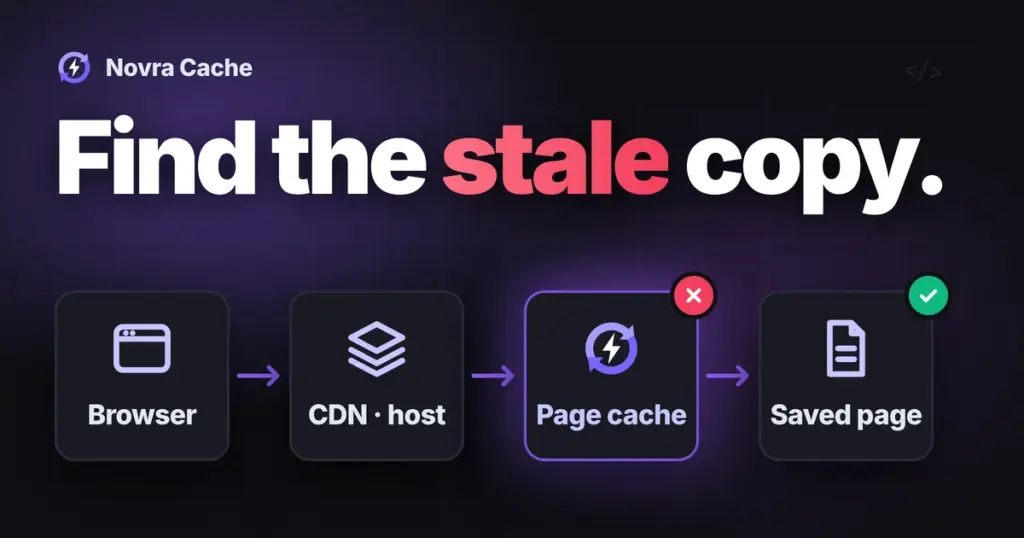
An object cache reuses data while WordPress builds a response. A page cache stores finished HTML, the page markup sent to a browser. Neither Redis nor Memcached automatically turns an object-cache plugin into a page-cache plugin.
That distinction matters when a public page is quick but an account screen feels slow. Object caching may help if that screen repeatedly uses cacheable data. It does not automatically cache every database query or remove waits for external services.
For the broader distinction, see which work page caching and object caching can reuse. Choose the layer that addresses the work involved.
When Novra fits the Redis route
Novra Object Cache is worth considering when you have supported Redis hosting and want connection controls and cache statistics inside WordPress. Its documented features help answer practical questions:
- Can WordPress reach Redis? Connection settings and a Test Connection control help check the connection.
- Is the cache being used? The dashboard reports hit ratio, response speed, and memory use. Hit ratio means how often a requested entry was available.
- Is the setup healthy? WordPress Site Health, its built-in check-up screen, reports connection and integration status.
These controls help you investigate; they do not prove that a particular page is faster. The published requirements are WordPress 6.1 or later, PHP 8.0 or later, Redis 5.0 or later, and PhpRedis.
Novra connects to Redis supplied by you or your host. It does not install or manage that server, and it does not cache finished pages. Review the Novra Object Cache requirements and operating documentation with your host before choosing it.
Confirm cache ownership and clearing scope before enabling a replacement. WordPress uses one object-cache integration file. Novra’s setup documentation describes a Redis flush after enabling the cache. Ask your host to confirm its scope for your installed version and whether other sites share the service. Do not treat a separate site name or key prefix as proof that clearing is isolated.
Check useful results, not just a hit ratio
Start with a specific slow action, such as opening an account page. Ask your host or developer whether repeated, reusable database work contributes to that wait. If an external payment service or large image causes it, changing memory stores targets the wrong problem.
For either engine, review these signals together:
- Task response time: Is the action that matters actually completing sooner under comparable conditions?
- Connection health: Are there failures, delays, or repeated connection attempts?
- Memory and evictions: Are entries being removed early to make room for others?
- Hits and misses: Does the requested data exist in the cache, or must WordPress obtain it again?
- Correctness: Do changed content, permissions, and account-specific information remain correct?
The Redis eviction guide explains memory limits and cache statistics. The Memcached maintenance guide explains similar health signals and why headline hit rates can mislead. There is no universal hit-ratio target that proves your site is faster.
If you compare setups, use representative tasks in a separate test environment. Keep hosting resources and the test workload comparable. Record initial requests separately from requests after useful entries have accumulated. These are suggested checks, not results we measured for this article.
Agree on operation before switching
A change needs an owner, even if a plugin has a simple setup screen. Ask your host to confirm:
- Which service and WordPress integration it maintains, including updates and incident support.
- How production and test-site caches are separated, including what a clearing operation affects.
- Who reviews memory limits, connection problems, and service restarts.
- How to check important site actions and return to the previous setup if needed.
Do not run two competing WordPress object-cache integrations together. Avoid a casual production switch just to compare dashboard numbers. A supported Memcached setup can be the right decision; Redis becomes attractive when its supported integration solves a real gap.
Choose your next step
Keep the supported setup that meets your needs. If Redis is available and Novra’s controls address a clear gap, explore Novra Object Cache for your WordPress site. Confirm hosting support and clearing scope before installation changes.
Novra lists one-time payment, no subscription, and a 30-day money-back guarantee. Review the purchase and license FAQ for details. A purchase does not replace the need for a supported Redis service or a plan to verify results.