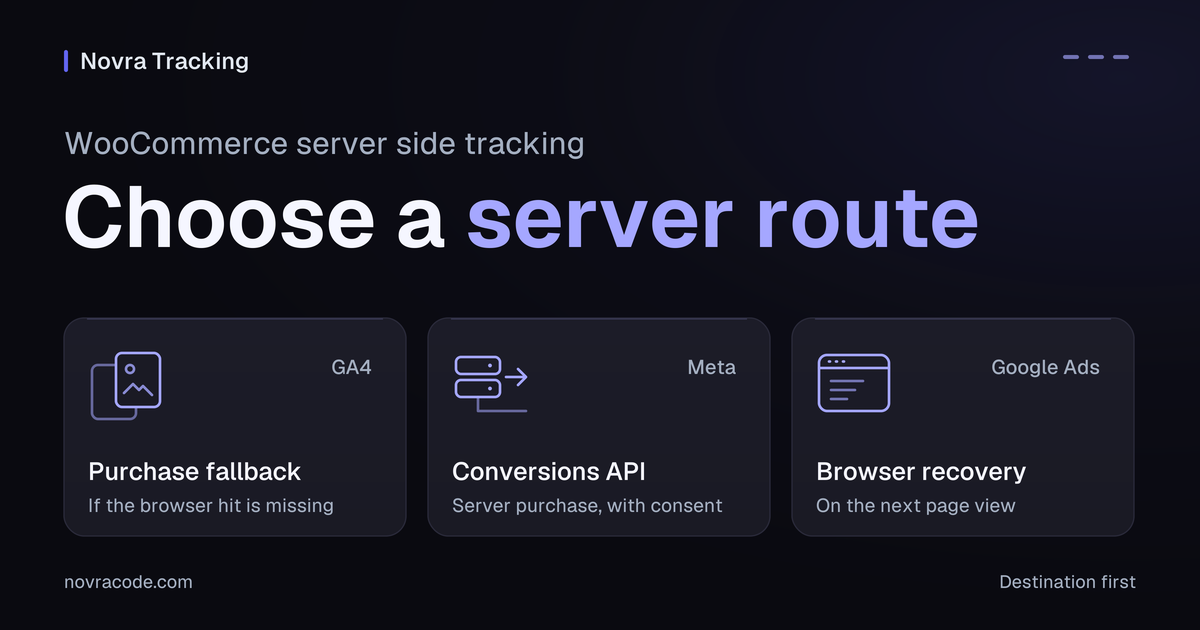
WooCommerce server side tracking sends supported shop events from your website to a measurement platform. You do not automatically need a separate tagging server. Choose the destination first: Novra Tracking offers a GA4 purchase fallback and optional Meta server purchases, but no Google Ads server-purchase copy.
If payment completes but the buyer never returns to your thank-you page, a browser-only purchase report can be missing. Novra Tracking for WooCommerce provides documented routes for that problem. The useful question is which route covers your event, payment timing and consent choice.
Choose the architecture your shop needs
An event is a record of an action. A browser tag sends that record from the visitor’s device. A direct server integration sends it from your website. A server-side tag manager adds a separate processing layer between the event source and its destination.
| Route | How it works | What you need to own |
|---|---|---|
| Browser tracking | A page script sends the action to the platform. | The event trigger, destination and consent behavior. |
| Novra’s direct server connection | The plugin sends supported order events to the platform’s server interface. | The supported event scope, platform credentials and shop-side background delivery. |
| Your own server-side Google Tag Manager | An event source sends data to a server container, which processes it and sends it onward. | The incoming event, container rules, hosting, credentials, consent handling and maintenance. |
A container holds tracking rules. Google’s server-side tagging introduction describes inputs from browsers and web servers. It does not make a WooCommerce order appear automatically. If the only input depends on a thank-you-page visit, adding a server container does not create that missing visit.
Novra’s documented direct connections do not require Google Tag Manager. Consider them when their supported routes meet your needs. Consider a separate server container when you need control over incoming data, processing rules and destinations beyond those routes.
That second option needs someone to operate it. Google’s Cloud Run setup guide includes hosting, billing and server updates. Cloud Run is one hosting option, not a requirement for all server-side tracking. Compare your actual implementation and operating costs; this is not a speed or price benchmark.
Match the purchase problem to a Novra route
Do not treat a saved order or checkout visit as proof of payment. WooCommerce’s order-status guide distinguishes Pending payment, Processing and Completed. The guide describes Processing as paid and awaiting fulfillment, and Completed as fulfilled. Confirm what your gateway’s status actually proves before planning a server purchase.
GA4: cover an unconfirmed browser purchase
GA4 is Google’s analytics service. Novra normally sends its shopping events through the browser. Its server purchase uses Measurement Protocol, Google’s interface for receiving server-sent events.
The documented fallback runs 30 minutes after payment, only when the browser did not confirm its purchase hit. It needs an API secret from the same GA4 web data stream, plus the required checkout consent. A web data stream is your website’s incoming connection inside GA4.
Choose this route when that delayed fallback meets your requirement. Do not choose it expecting an immediate server copy of each purchase, or a complete server-only replacement for browser shopping events.
Meta: add a coordinated server purchase
The Meta Pixel is Meta’s browser script. Novra can also report eligible paid orders through Meta’s Conversions API, its server event interface. That route needs the Pixel ID, an access token and the server-purchase option. It uses marketing consent recorded at checkout and runs as a background job shortly after payment.
Novra documents a 47-hour paid-order window: the order must be paid within 47 hours of being placed. Novra also guards against an existing browser purchase being too old for pairing. These are Novra’s protective rules, not Meta’s general event-age limit.
For browser/server pairing, Meta’s event-ID deduplication guidance uses matching event names and IDs at the same Pixel ID within 48 hours. Deduplication means recognizing two reports of the same action. Do not substitute the 48-hour pairing window for Novra’s separate eligibility rules.
Google Ads: recovery is still a browser route
Novra’s Google Ads purchase conversion runs in the browser. When the thank-you page never loads, its recovery can report the purchase on the visitor’s next page view. That is not a server-side purchase upload. If the visitor never returns, do not assume that recovery has happened.
If your requirement is a purchase sent to Google Ads directly from the server, this documented Novra route does not meet it. Adding a GA4 secret or Meta token cannot change that. Novra’s Google Ads refund correction feed is a different feature.
These three routes are not a specification for every platform. Use the Novra platform-by-platform delivery guide for other destinations. Do not transfer one platform’s credentials, time window or event coverage to another.
Use the checkout scenario to decide
The following scenarios are illustrations, not measured results. They show why “server-side enabled” is not a complete acceptance criterion.
- The buyer pays and closes the payment redirect. A configured GA4 fallback can address the unconfirmed browser purchase after its documented delay. An eligible Meta server purchase has its own delivery path. Google Ads recovery still needs a later page view.
- The bank transfer clears three days after checkout. Do not rely on Novra’s Meta server-purchase route: that payment falls outside its 47-hour paid-order window. Do not apply this Meta limit to GA4.
- The buyer declines marketing consent. Under Novra’s documented consent handling, the order does not become eligible for a Meta server purchase merely because payment succeeded. Server delivery is not a workaround for that choice.
- You need a custom server event or destination. Confirm explicit integration support. A separate tag server may offer the processing control you need, but still requires a source that produces the right event.
Prepare the selected route in Novra
- Check the shop requirements. Novra documents WordPress 6.4+, PHP 8.0+ and WooCommerce 8.0+, including classic and block checkout support. Confirm your particular gateway and checkout extensions separately.
- Assign one event owner per destination. List existing plugin, theme and Tag Manager senders. One integration can deliberately coordinate browser and server delivery. Two unrelated purchase senders need a planned handover, not an assumption that matching IDs will fix them.
- Connect only the chosen route. Open Novra Tracking → Settings. Review Shop & Events under Store, then the relevant platform section. GA4 needs its measurement ID and, for the server route, the stream’s API secret. Enable a server control if your installed version shows one. Meta needs its Pixel ID, Conversions API token and Send purchases from the server option.
- Confirm consent and background delivery. Review Consent under Privacy and the Dashboard recommendations. Novra documents background jobs through Action Scheduler where available, otherwise WP-Cron. These are WordPress job systems, not a separate tagging server.
The Novra platform-connection documentation explains the settings. You still need your own platform accounts and appropriate access. Keep secrets in the intended credential fields, not page code or shared troubleshooting notes.
Keep the checkout choice intact
Novra documents its default Basic mode as keeping its tracking blocked until the required consent. Its server purchases follow the recorded checkout choice. Advanced mode is different: Google tags can send measurements without cookies while consent is denied. Google’s consent-mode documentation explains this behavior.
Meta still waits for marketing consent in Advanced mode. Off disables Novra’s consent handling; it is not equivalent to Basic or Advanced. Do not select it just to make a purchase appear. Novra reads a supported cookie banner but does not replace it. Server-side does not mean anonymous, consent-free or legally compliant by itself.
Verify the route, not the label
For implementation checks, use an isolated test store, separate platform test destinations and the payment provider’s test mode. Keep those destinations outside production campaign use. A private browser window or test payment alone does not isolate analytics. If that environment is unavailable, leave purchase delivery unverified.
Use a customer-like session: Novra excludes administrators and shop managers by default. For each checkout, record the order reference, payment time, consent choice, expected route and receiving destination. Check the following branches separately.
| Shop action and condition | Expected route and event | What the result establishes |
|---|---|---|
| Eligible paid order with its GA4 browser purchase confirmed. | Browser purchase; no immediate second server purchase is expected. |
The normal purchase path, not the fallback. |
| Separate eligible paid order whose GA4 browser purchase was not confirmed. | Configured server fallback purchase after the documented 30-minute delay. |
Destination receipt checks this fallback branch. A validation-only result does not. |
| Eligible paid Meta test order, with marketing consent and both paths configured. | Browser and server Purchase, with matching names and event IDs at the same Pixel. |
Inspect connection method and deduplication separately; two received copies do not necessarily mean two counted sales. |
| Google Ads purchase whose thank-you page was missed, followed by a later visitor page view. | The configured browser purchase conversion, not a server upload. | This checks recovery after a return visit. It cannot establish server-purchase coverage. |
Arrange the missing-browser branch only within the isolated test environment. Keep payment confirmation, consent and the server connection intact. Record how that branch was produced; observing a normal browser purchase cannot prove the fallback works.
Compare the event’s value and currency with the chosen order-value definition, not just its presence. For GA4 web purchases, Google’s transaction-ID guidance requires an order-unique, non-personal identifier. Do not use empty IDs or reuse an ID for different orders. For Meta, compare browser eventID with server event_id and the corresponding Purchase name.
Separate connection checks from counted sales
- Shop evidence: payment and the intended consent state exist for that order.
- Transport evidence: the server request reached an endpoint. Google’s Measurement Protocol reference says HTTP success does not prove correct or processed event data.
- Validation evidence: a diagnostic check examined event structure. Google’s validation endpoint does not validate the API secret or add events to reports.
- Platform evidence: the intended destination received the event and handled any corresponding copies. Meta’s verification guide separates receipt from deduplication and matching.
- Reporting evidence: the intended purchase is counted with the correct value. Attribution, meaning credit assigned to an ad, is a further check. Receipt alone does not prove it.
Novra’s synthetic test-purchase tool does not place a WooCommerce order or exercise the checkout. Its Debug mode sends GA4 server hits to validation instead of normal collection. Verify normal server receipt separately in the isolated destination. A dashboard score or sent status cannot replace that evidence.
A Meta test event code is not an isolation guarantee. Meta’s Test Events guidance says coded events are not dropped and are used for targeting and ads measurement. Keep the separate test source and store; do not rely on the code to protect production reports.
Choose by the required outcome
Choose Novra Tracking when its supported direct connections fit the purchase routes you need. Choose a separate tagging architecture only with a clear requirement and someone responsible for operating it. Neither route guarantees complete capture, perfect attribution or higher revenue.
Ready to check the fit? Review Novra Tracking’s features and plans against your required destination and payment timing. Plans use a one-time payment and include a 30-day money-back guarantee.