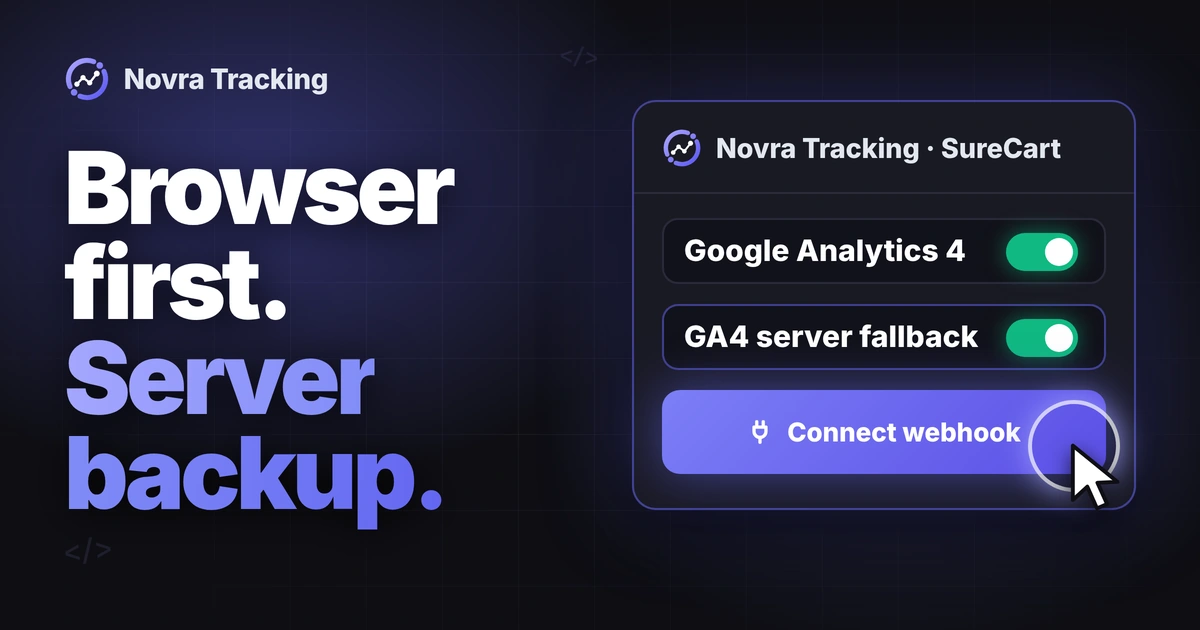
SureCart Google Analytics needs ecommerce events, not just a page-view tag. For SureCart GA4 tracking, connect one Google Analytics 4 web stream and check paid purchases, identifiers and amounts. For SureCart server side tracking, also let SureCart notify WordPress about paid orders through a webhook. Novra Tracking for SureCart brings these steps together in WordPress, without Tag Manager, with browser events and a GA4 purchase fallback from your server.
This guide covers SureCart checkout on the WordPress site running Novra. It also explains when SureCart’s native route is enough. A separate hosted or headless checkout needs its own compatibility check.
Choose one analytics owner
SureCart already documents Google Analytics through Site Kit or Google Tag Manager. Its simple route covers Add to Cart and Purchase. Tag Manager gives you a separate way to configure additional events. You do not need Novra merely because your shop uses SureCart.
Choose Novra when you want its supported shopping events, consent handling and direct server connections in one WordPress interface. You do not need a Tag Manager container for that route. Once Novra’s Google Analytics or Google Ads connection is ready, its SureCart integration switches off SureCart’s own Google events. That does not remove unrelated tags from your theme or another plugin.
- List the tools currently sending to your GA4 stream: Site Kit, SureCart, Tag Manager, theme snippets and tracking plugins.
- Choose the owner for page views and ecommerce events. Plan the change before enabling another sender.
- Check that the same paid order does not trigger both a native SureCart purchase and a second custom purchase tag.
A transaction ID helps Google recognize a repeated transaction. It does not coordinate several independent tracking tools for you.
Understand SureCart’s cloud and WordPress boundary
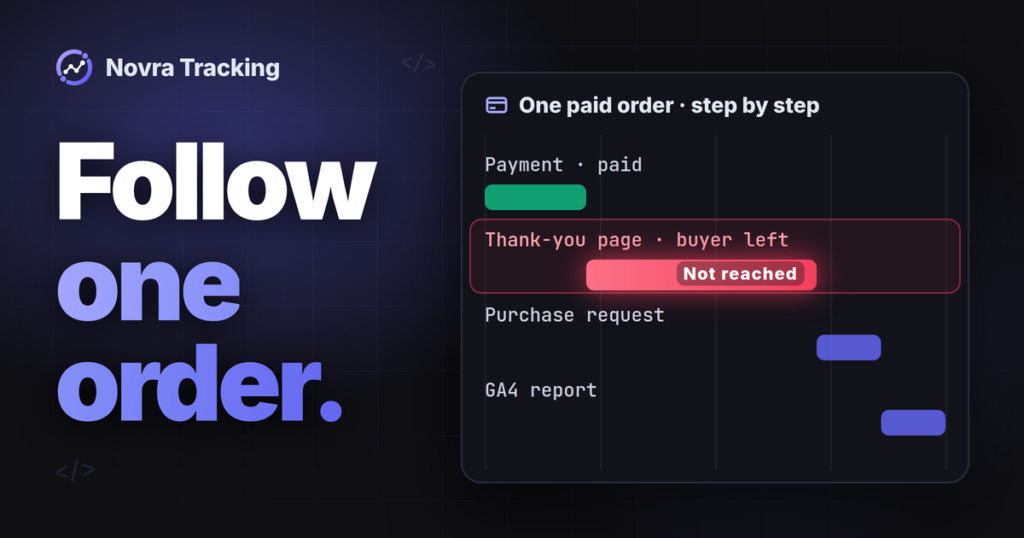
SureCart stores orders and payment data in its cloud. Its WordPress checkout communicates with that service. A visible confirmation page is not the only place where payment can become complete.
A webhook is a notification from one service to another. With one click, Novra registers its own webhook in your SureCart account. It reports payments, refunds and cancellations. WordPress then processes the update and applies the destination’s tracking rules. Receiving that update is not the same as GA4 receiving an event.
Also distinguish a paid order from a SureCart “purchase” used by an integration. In SureCart’s Orders and Purchases documentation, a purchase describes access to a product. Access can change during a subscription upgrade or reinstatement. It is not automatically another new sale to report.
| SureCart situation | What to expect from Novra Tracking |
|---|---|
| Product, cart or checkout interaction | Browser-side shop events. Checkout steps use SureCart’s own events and checkout data, not an assumed WooCommerce button. |
| Submitted or processing order | No new purchase merely because an order exists. The paid-order path requires a paid status. |
| Paid checkout confirmed in the browser | A purchase can enter the visitor’s event queue. The confirmation page can provide the purchase when needed. |
| Payment completes after the visitor leaves | The dedicated webhook can notify WordPress. GA4 fallback eligibility and consent still apply. |
| Refund or renewal | A separate lifecycle event, not another first purchase. Review the limitations below. |
For example, SureCart’s order-management guide distinguishes an unpaid manual order in Processing from Paid. A payment authorization or thank-you-page visit alone is not proof that the paid-order requirement was met.
Connect your GA4 web stream
- Check the requirements. Novra’s public documentation lists WordPress 6.4+, PHP 8.0+ and SureCart 4.9+. Check your actual installed versions. In Novra’s dashboard, confirm that the detected shop is SureCart.
- Choose the correct GA4 property. A property holds your analytics data; a web stream identifies the website sending it. In Google Analytics, open Admin, then Data streams, and select your website.
- Copy the Measurement ID. It begins with
G-. Do not substitute an Ads ID or the numeric property ID. Google’s Measurement ID instructions show where to find it. - Enable GA4 in Novra. Open Novra Tracking → Settings → Google Analytics 4. Enable the platform, enter that Measurement ID and save the settings.
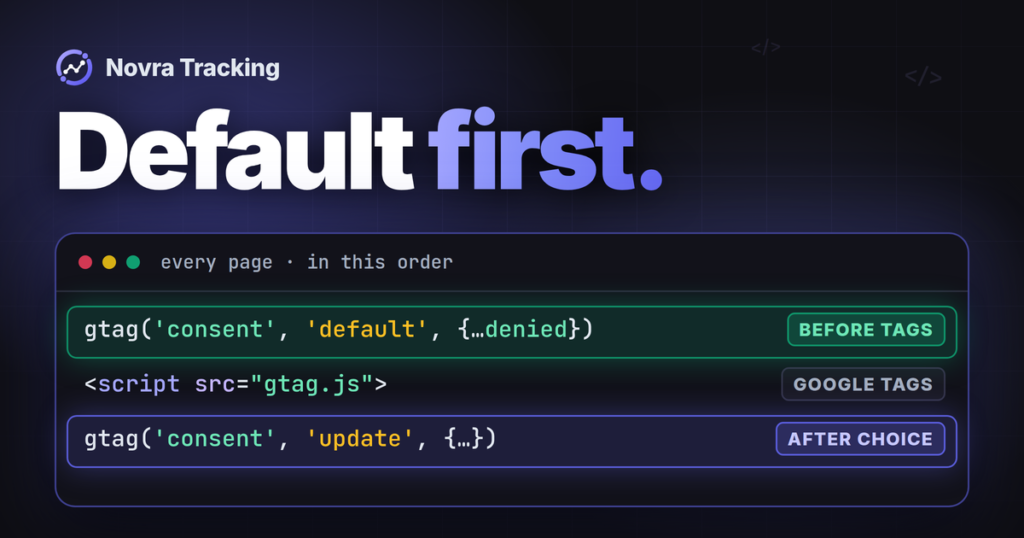
- Check consent separately. Under Consent, confirm the expected banner and categories. Basic mode waits for the visitor’s choice. GA4 uses statistics consent; advertising platforms have different requirements.
- Review the shop events. Under Shop & Events, check the events you need. The dashboard’s tracking score helps identify missing settings, but does not prove that Google processed revenue.
Keep the Novra Tracking setup documentation open for your version’s labels. Do not add a second GA4 snippet merely because events take time to appear.
SureCart server side tracking: choose a route
Start with the event source, then choose the delivery method. Moving a browser event through a server does not turn it into a confirmed SureCart payment.
| Your requirement | Suitable starting point | Important limit |
|---|---|---|
| Simple browser Add to Cart and Purchase reporting | SureCart’s documented native Google Analytics route | Check its event data and payment behavior. Installing a base tag alone is not a completed ecommerce check. |
| Paid-order updates and a direct GA4 fallback without a separate tagging server | Novra’s SureCart webhook plus GA4 server option | Requires a reachable WordPress site, background processing, stream secret and eligible consented orders. |
| A centrally managed tagging layer with custom routing | A developer-managed server-side Tag Manager design | The container needs hosting, configuration and a verified source of paid-order data. |
| Checkout outside this WordPress integration | A flow-specific integration review | A cloud order alone may lack the browser identifiers and consent context needed by the destination. |
Google’s server-side Tag Manager introduction describes a separate server container. Novra’s direct GA4 connection is a different architecture. Do not run both purchase routes to the same destination without a clear ownership and identity plan.
Connect the SureCart webhook
- Confirm that SureCart is connected to the correct store and that you can manage the WordPress site’s Novra settings.
- In Novra’s Shop & Events section, locate the SureCart webhook area and use Connect webhook. This registers Novra’s endpoint in the connected SureCart account.
- Check the connection status, registered site address and last-event information. After a domain change, confirm that the registered address still matches.
- Have your host investigate blocked delivery or background-job errors. Keep signature verification in place; do not solve a delivery problem by accepting unsigned requests.
SureCart’s webhook troubleshooting guide explains the cloud-to-WordPress boundary. Its general connection check is useful, but it does not prove that Novra’s separate endpoint has processed a paid order.
Understand the polling and GA4 fallback limits
Novra also looks up open SureCart orders every 15 minutes. This safety net covers a limited window of about two days. It is not an indefinite recovery service or a complete replacement for refund and renewal webhooks. Background-job delays can extend the wait.
For GA4 server delivery, add a Measurement Protocol API secret from the same web stream to Novra’s GA4 settings and enable its server option. Measurement Protocol is Google’s direct event-submission interface. Keep the secret private; it does not belong in page code or a support screenshot.
Novra documents a purchase fallback scheduled 30 minutes after payment when the browser has not confirmed its hit. The order must remain eligible and have the required statistics consent. This is a conditional backup, not an immediate server copy of every browser event. Google Ads and Meta use different paths; enabling GA4 does not configure them. For Google Ads, follow our SureCart Google Ads conversion tracking guide. For Meta, see our SureCart Facebook Pixel and Conversions API guide.
Server-side delivery is not consent-free, automatically anonymous or immune to blockers and missing context. Google’s Advanced consent behavior must not be treated as permission to send unrestricted customer data.
Check transaction identity and revenue
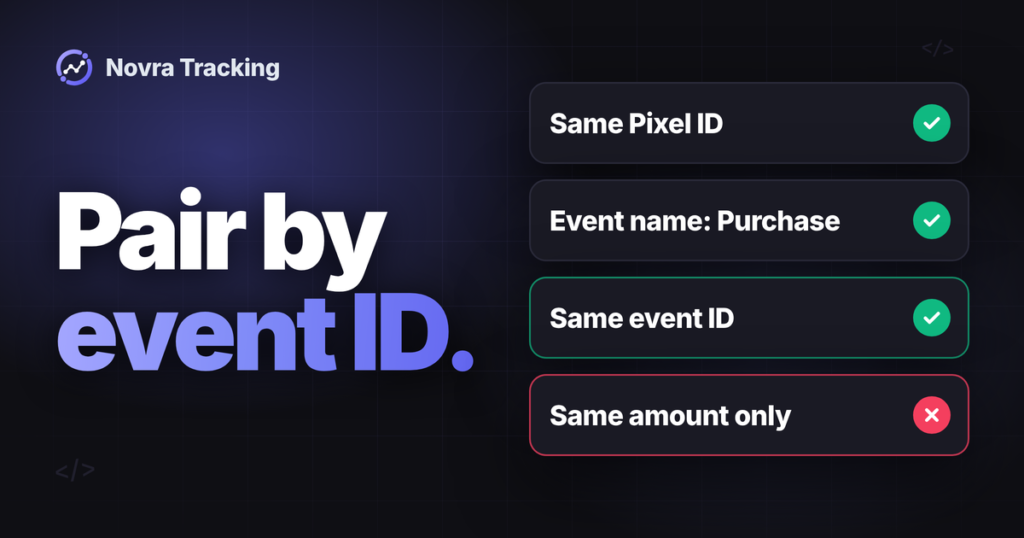
Novra’s SureCart integration uses the order number as transaction_id, then falls back to the order UUID or checkout UUID. A UUID is a long unique identifier. Keep the same nonempty transaction identity for the purchase and its refund. If several shops share a GA4 property, check for overlapping order numbers.
Google requires unique transaction IDs without customer-identifying information. A customer email is not a suitable transaction ID.
Check the value definition before using the revenue report. Google’s GA4 purchase specification defines value as the sum of item price × quantity, excluding tax and shipping. Supply the currency when sending value.
In Novra Tracking 1.0.0, the SureCart integration uses SureCart’s checkout total as the GA4 purchase value. It also supplies tax and shipping separately. That differs from Google’s definition. Confirm the mapping in your installed version with Novra before treating that value as standard GA4 item revenue.
Hypothetical example: products cost $80, an order discount removes $10, tax is $7 and shipping is $5. The customer pays $82, while discounted merchandise totals $70. These are different measurements. Also check the item prices: an order-level discount field alone does not prove that each item reflects its share.
Treat refunds and renewals separately
Novra documents GA4 refunds, including partial refunds, through the server connection. SureCart’s dedicated refund webhook is part of that path. Verify the original transaction identity and the amount reversed; a refund in SureCart is not proof that GA4 has processed it.
Subscription renewals should not become additional first-purchase events. Novra lists SureCart renewals among its server events and sends them as a separate subscription_renewal event. Do not assume the renewal switch alone is enough for SureCart. Novra uses the consent recorded at checkout, and SureCart’s renewal data does not point back to that original order. Ask us to confirm renewal handling for your version before you rely on it. Do not disable consent to make renewals send.
Verify each layer before relying on reports
Prepare an isolated test setup before a planned purchase check. Use a separate GA4 test property without a production Google Ads link, and check every other configured tracking destination. A new stream inside your production property is not enough: property reports can combine its streams. A private browser window or payment test mode alone does not isolate measurement. Novra leaves out SureCart test-mode orders unless you switch on Send test orders as purchases.
- Order evidence: confirm the intended paid status, currency, items and totals. Keep pending and renewal cases separate.
- Source evidence: check Novra’s SureCart webhook status and background jobs. “Connected” proves configuration, not successful processing of this order.
- Event evidence: inspect the intended GA4 stream for the purchase name, transaction ID and values. Distinguish a browser event from a server fallback.
- Validation evidence: Google’s validation server can check event structure. It does not validate the API secret, and validation events do not appear in reports.
- Reporting evidence: check processed ecommerce reports separately. An HTTP success response or an event in a debug tool does not prove correct revenue or advertising attribution.
Include a prompt payment with browser return, a later payment without return, denied consent, a partial refund and any renewal flow you rely on. Record expected outcomes first. Do not replay real orders simply to make a chart match.
The Novra Tracking FAQ explains why shop totals and platform totals can differ. Consent, attribution rules and different definitions matter even when event delivery works.
Ready to choose your route? See Novra Tracking’s SureCart features and plans, then confirm the value mapping and any subscription needs before rollout. It is a one-time payment with a 30-day money-back guarantee, so you can test it on your own shop.