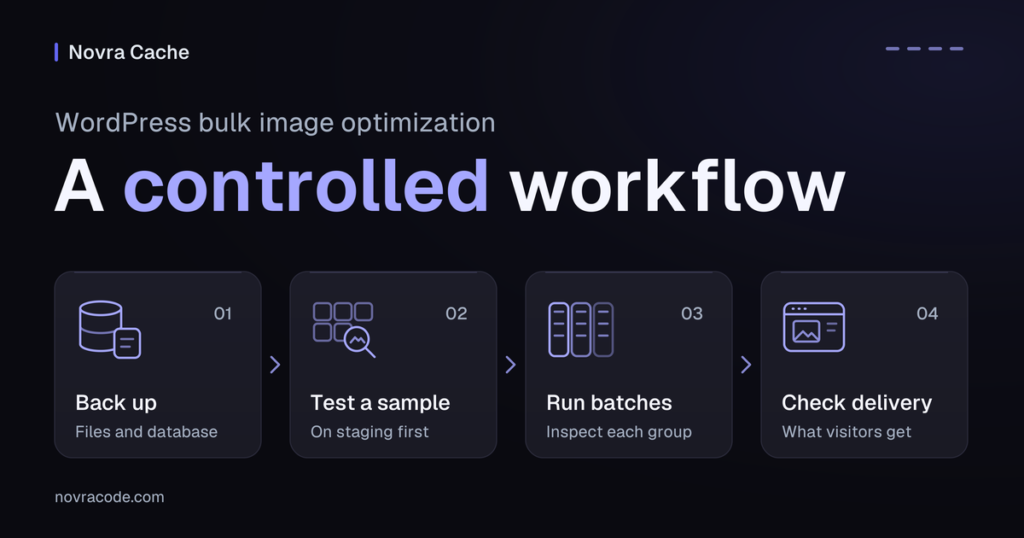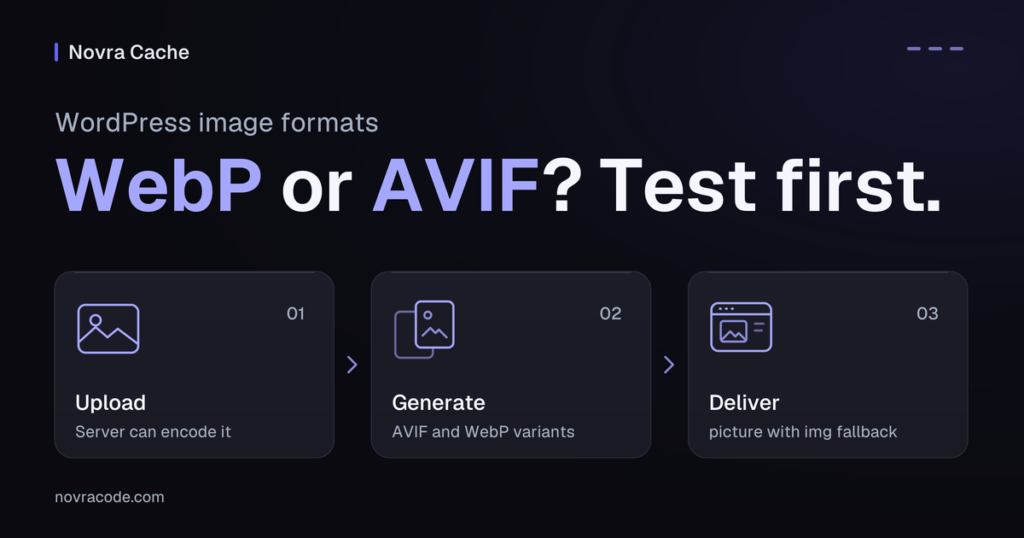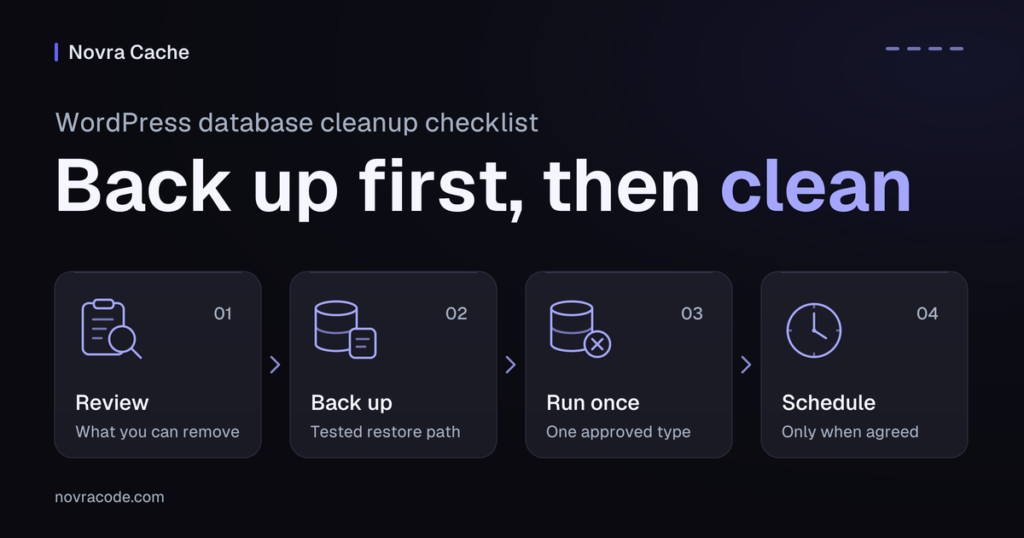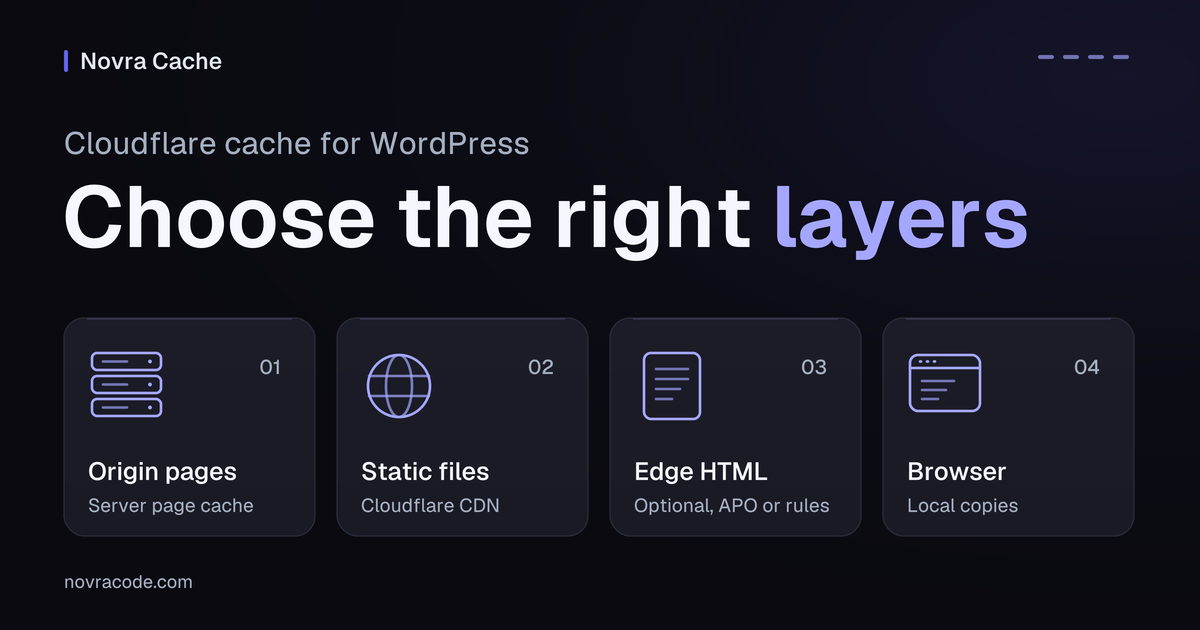
Cloudflare cache for WordPress works best when each layer has a clear job. Cloudflare normally caches eligible static files, such as images and stylesheets, but not HTML pages. HTML is the markup containing a page’s structure and text. Use an origin page cache for reusable public pages. Add Cloudflare HTML caching only when you can protect private content and verify updates.
If an edit appears in WordPress but visitors still see an older copy, another cache may hold it. Novra Cache’s page caching and Cloudflare purge integration can coordinate clearing between WordPress and your configured Cloudflare zone. A purge removes a stored copy. The integration clears caches; it does not enable HTML caching at Cloudflare.
Identify which layer owns each copy
Your origin is the server hosting WordPress. Cloudflare’s edge is its distributed network between that server and visitors. A content delivery network, or CDN, serves eligible stored files from that network.
| Layer | What it can store | Who controls it |
|---|---|---|
| WordPress or hosting page cache | Finished public HTML, so WordPress need not rebuild it for each eligible visit. | Your selected page-cache plugin or hosting service. |
| Cloudflare’s normal CDN cache | Eligible static resources, including images, CSS stylesheets and JavaScript files. HTML and JSON are not cached by default. | Cloudflare’s defaults, your response headers and any existing rules. |
| Optional Cloudflare HTML cache | Eligible public page responses when APO or a deliberate caching policy enables this. | The selected Cloudflare feature and its exclusion and update policy. |
| Browser cache | Copies retained on an individual visitor’s device. | The browser and the caching instructions it receives. |
Cloudflare’s default caching behavior uses file extensions, not just file types reported by the server. Turning on Cloudflare does not mean your homepage is stored at the edge. Clearing an edge copy also does not remove files already retained by a visitor’s browser.
Choose the smallest setup that solves your problem
Start with static files and origin pages
For a straightforward site, keep Cloudflare’s static-file caching and one suitable WordPress page-cache plugin. Novra Cache fits when you need reusable public pages, page exclusions and coordinated Cloudflare purges.
Do not stack two WordPress page-cache plugins. If your host already provides effective page caching and invalidation, confirm what is missing before adding another layer. Your current host and CDN setup may be sufficient.
Cloudflare must proxy the relevant hostname for its cache rules to apply. Domain routing is separate from entering purge credentials in Novra Cache. Ask the person managing your domain to confirm the existing setup.
Consider APO for managed HTML caching
Automatic Platform Optimization, or APO, is Cloudflare’s WordPress-focused HTML caching feature. Its current documentation requires the Cloudflare WordPress plugin. A Novra Cache purge token is not an APO activation.
Cloudflare’s APO setup requirements list a purchase step for Free plans. Pro plans and higher continue through the activation process. The same guide states that the APO WordPress plugin does not support multisite installations.
Cloudflare recommends establishing APO first with other caching plugins turned off, then checking combinations separately. Do this only on controlled staging, a separate test copy of your site. Do not assume that two individually supported products have a verified combined setup.
APO has its own eligibility checks, cookie exclusions and update integration. It does not make personalized pages suitable for shared caching. Review its current requirements before deciding whether this extra layer helps your site.
Use custom rules when someone owns the policy
Cloudflare Cache Rules can make selected requests eligible for caching or bypass the cache. They are another route to HTML caching, not a prerequisite for Novra’s purge connection.
As documented in October 2026, Cache Rules are available on all Cloudflare plans. Rule allowances differ: 10 on Free, 25 on Pro, 50 on Business and 300 on Enterprise. Available settings can also depend on the plan.
Use this route only when a maintainer can document the intended public responses, exclusions and purge behavior. Avoid a site-wide “cache everything” shortcut. For conflicting settings, Cloudflare’s last matching Cache Rule wins. A later eligibility rule must not undo an intended bypass.
Connect Novra Cache for coordinated purges
Novra Cache helps with the update workflow: clearing an origin copy can also trigger clearing at Cloudflare. That reduces the need to remember two separate clearing actions for supported changes. It still depends on valid credentials, the correct zone and a matching cache policy.
Before applying the connection on staging, use this short checklist:
- Confirm the intended origin page-cache provider and record any hosting cache in front of WordPress.
- Check Novra Cache’s dashboard requirements and the installed version. Its current documentation lists WordPress 6.2 or later, PHP 8.1 or later and administrator access.
- Identify the correct Cloudflare zone, meaning the domain’s management area in Cloudflare.
- Use an API token, a limited access credential, allowed to purge that zone. Do not put the token in reports or screenshots.
- Enable Cloudflare Integration and enter the token and Zone ID using the Novra Cache Cloudflare integration guide.
- Check the credential status, then plan the targeted staging verification below. A configured status alone does not prove a successful purge.
Keep three decisions separate
| Decision | What it does | What it does not prove |
|---|---|---|
| Use a Novra URL-level purge | Clears the affected page through Novra’s workflow and can request a corresponding Cloudflare URL purge. | That every query-string or custom-key variant was removed, or that the new copy is already cached. |
| Use a full Novra purge | Clears the broader origin cache. With the integration enabled, a full clear can also purge the connected Cloudflare zone. | That a whole-zone purge was necessary for one page change. |
| Enable APO or custom HTML caching | Changes which public HTML Cloudflare can store and reuse. | That Novra configured the policy or that private content is protected. |
When page caching is enabled, Novra documents automatic invalidation for public content edits, product and stock changes, and comments or reviews. Relevant public listings can also be included. Menu, theme, Customizer and permalink changes can trigger full purges. Custom importers and unusual dependencies still need their own checks.
Keep full purges for justified wider changes. Cloudflare recommends purging individual URLs where appropriate. Repeatedly clearing everything hides the cause of a stale response and removes otherwise useful cached copies.
Verify your actual cache variants
A cache key identifies a stored copy. It can include more than the URL path, such as query parameters, selected headers or cookies. Query parameters are values after the question mark in a URL. Cookies are browser-held data used to recognize a visitor’s state.
Do not assume one URL purge clears every variant. Have your maintainer check your installed Novra version against the actual Cloudflare cache key. Cloudflare’s single-file purge limitations explain when additional request values or another supported purge method are needed.
For example, a public page may have separate cached language variants. A successful purge of the default version would not prove that each language copy changed. List the variants you actually use, then verify each intended update on staging. Do not solve an unclear purge mismatch by routinely clearing the whole zone.
Keep personal content out of shared HTML
Novra’s origin exclusions do not automatically become Cloudflare exclusions. Keep carts, checkout, accounts, logged-in sessions and other personalized responses outside shared full-page caching at every active layer.
WooCommerce’s official caching guidance identifies Cart, Checkout and My Account as dynamic pages. Check your assigned routes, including renamed paths and private endpoints. A public product URL can also change by customer, currency or membership.
- Record the actual session signals. WooCommerce documents
woocommerce_cart_hash,woocommerce_items_in_cartand thewp_woocommerce_session_cookie prefix. - Compare these signals with the active edge policy. A documented default list is not proof that a custom shop’s states are covered.
- Preserve parameters that change actions, prices, access or required attribution. Ignoring a meaningful parameter can reuse the wrong response.
APO’s query-parameter and cookie rules bypass many personalized requests. Its permitted query parameters include marketing keys and ref. That allowance does not prove that a referral or personalization feature still runs correctly on your site.
For custom Cache Rules, have your maintainer define the required bypasses and confirm their final precedence. There is no universal rule snippet that makes every WordPress shop safe. Novra’s caching and preloading FAQ describes its origin safeguards and their testing limits.
Read headers without overreading a hit
Response headers are metadata returned with a page or file. Inspect the main HTML document separately from its images and scripts. An image served from Cloudflare does not show that the page itself was cached.
| Cloudflare signal | Useful interpretation |
|---|---|
CF-Cache-Status: HIT |
This resource was found in Cloudflare’s cache. Check its actual content and visitor state too. |
MISS |
Cloudflare fetched the resource from the origin rather than serving an existing edge copy. It does not prove the origin bypassed its own cache. |
DYNAMIC |
The request was not eligible for Cloudflare caching. This can be correct for default HTML behavior or a bypass rule. |
BYPASS |
Cloudflare did not cache the response after evaluating it. Headers, cookies and active configuration can explain why. |
Age |
Can indicate a stored response’s age. Cloudflare documents cases where the value comes from another cache layer; it is not a universal freshness test. |
Use Cloudflare’s cache-status reference for the complete meanings. For APO, inspect cf-apo-via and cf-edge-cache alongside the main response. Its verification guide explains these integration signals.
Do not treat no-cache as another spelling of no-store. With Origin Cache Control enabled, Cloudflare can store a no-cache response but must revalidate it before reuse. Revalidation means checking the stored copy with the origin. The Origin Cache Control reference explains the distinctions and overrides.
Set-Cookie is also not an unconditional shield. Some forced edge-cache settings can remove that header and cache the response. Review Cloudflare’s documented cookie-header interactions before overriding origin instructions. APO also follows its own policy: its FAQ states that Origin Cache Control does not override APO’s edge caching.
A cache hit proves neither correct personalization nor better performance. It also says nothing about Google’s indexing of the page.
Verify the workflow on staging
The following is a proposed check, not a report of completed tests. Use a controlled staging hostname with a known Cloudflare route. Document differences from production, including authentication and protection that can change cache eligibility.
- Record the baseline. Choose one public page and one visible detail to update. Record the hostname, origin-cache owner, HTML edge feature, cache key and relevant exclusions.
- Use a normal logged-out visit and inspect the HTML response. Record the request’s cookies and query keys without retaining personal values. A private window does not bypass server caches.
- Change the chosen detail on staging. Confirm the origin returns the intended version using a host-approved comparison method. If needed, refresh the affected origin page first.
- Check Novra’s targeted purge workflow and the corresponding Cloudflare result. If a separate edge purge is required, use the affected URL and the variant information your cache key requires.
- Revisit the normal URL through Cloudflare and compare the visible content. Repeat the visit and each intended public variant. Check any dependent public listing separately.
- Verify personalized routes using two genuinely separate test sessions and test accounts. Confirm that one session’s cart and account data do not appear in the other. No real purchases or customer data are needed.
The order matters: make the origin fresh before relying on an edge refill. Otherwise, Cloudflare can retrieve the older origin copy again. A purge is not proof that warming, the preparation of replacement copies, has finished.
Separate browser-cache diagnosis from edge-cache eligibility checks. Developer tools can send Cache-Control: no-cache when “Disable cache” is selected, changing APO’s response. Record that setting and use an ordinary request for the acceptance check. A forced browser refresh does not purge Cloudflare.
Keep a compact record: URL, visitor state, requested variant, expected detail, origin result, edge result, browser result and time. Headers support that record; the returned content and correct visitor separation decide whether it passed.
Keep or roll back the extra layer
Keep HTML edge caching only when public content stays correct, updates reach the intended variants, and personal responses remain separate. Compare performance separately against your recorded baseline; do not infer an improvement from more cache hits.
If a visitor receives another session’s data, or intended variants stay stale, stop the experiment. Restore the previous staging policy with your maintainer and preserve the required private-page exclusions. Remove affected stored copies using the appropriate targeted method before retesting. Do not take an unverified policy to production.
If static CDN caching plus the existing origin cache already meets your needs, keep that simpler setup. Where coordinated WordPress and Cloudflare clearing solves a real gap, review Novra Cache’s page-cache and integration controls. Novra offers one-time licensing; Cloudflare feature costs and requirements are separate. Choose the configuration you can explain, maintain and verify.