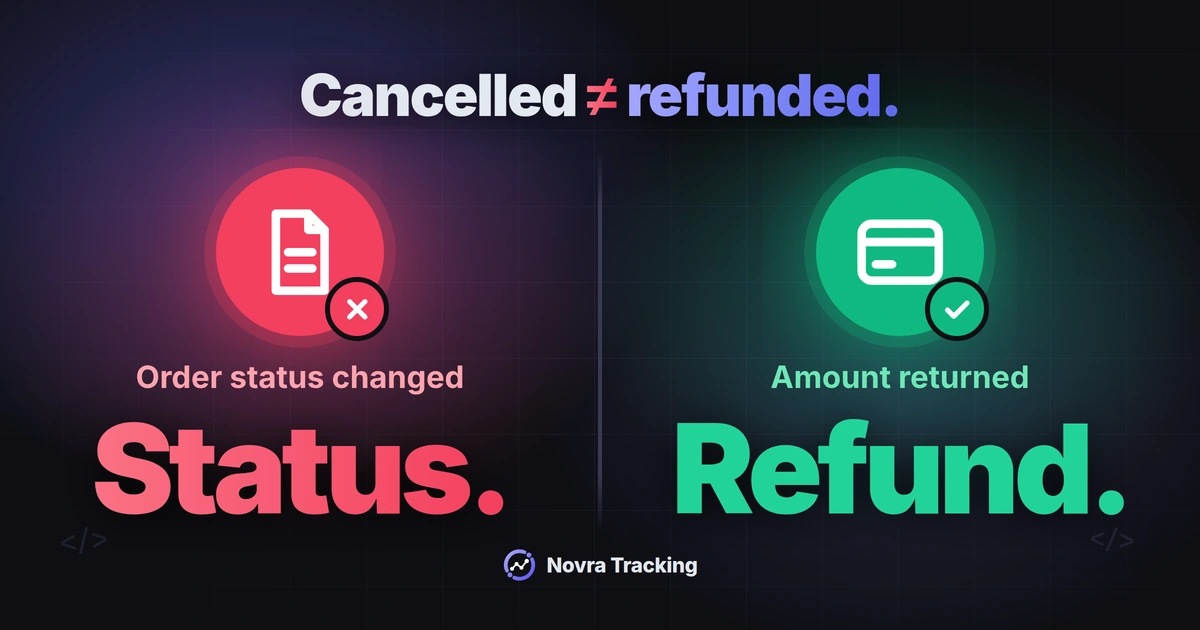
WooCommerce GA4 refund tracking needs a separate refund event linked to the original purchase. A cancelled order is not automatically money returned. Check the payment and refund records before interpreting a revenue correction.
Novra Tracking for WooCommerce documents GA4 support for full and partial refunds sent from your website’s server. This can cover activity after the buyer leaves the thank-you page. You still need the correct GA4 connection, consent handling and verified refund details.
Check what actually happened to the payment
Start with the original order, not the analytics chart. Confirm that payment succeeded and identify the amount being returned. WooCommerce’s refund documentation distinguishes these situations:
| Shop situation | What it proves | What to check |
|---|---|---|
| Automatic gateway refund | A supported gateway processes the refund through WooCommerce. | Confirm the outcome in order notes and the payment provider’s record. |
| Manual WooCommerce refund | The shop has recorded a refund. | Money must be returned separately. The recorded status alone does not prove that happened. |
| Partial refund | Only part of the payment or selected items are being refunded. | Check the refund record even if the overall order is not marked Refunded. |
| Cancelled or failed order | The order was cancelled or payment failed. | Establish whether any successful payment and reportable purchase existed. |
| Subscription cancellation | The subscription’s future lifecycle changes. | Do not assume earlier payments were refunded. |
Changing an order status directly to Cancelled or Refunded does not itself send money back. Do not issue another refund merely to repair tracking. First reconcile the existing shop and gateway records.
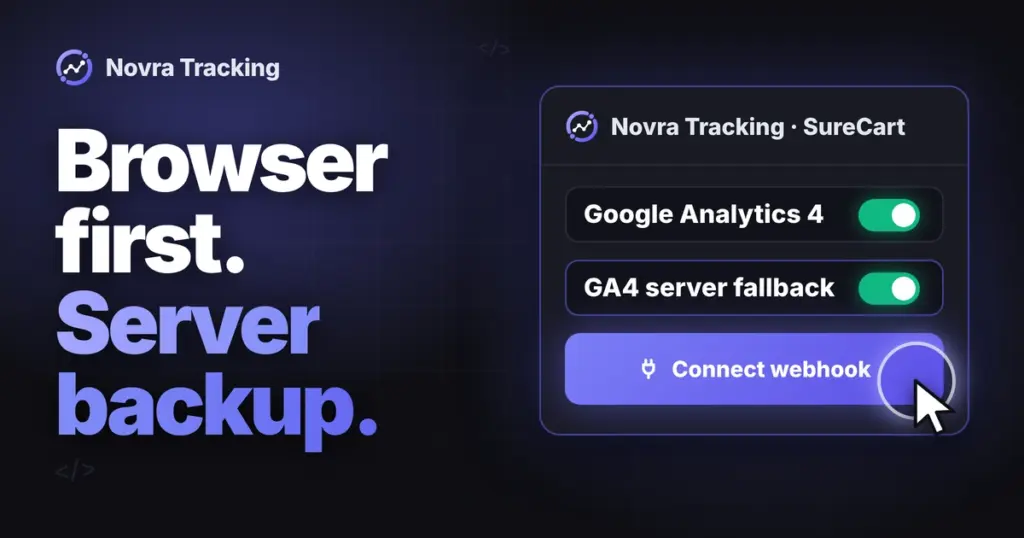
Connect Novra’s GA4 server route
A GA4 property holds your reports. Its web data stream identifies the website connection. Measurement Protocol is Google’s interface for receiving server-sent events.
If your base connection is missing, start with our WooCommerce GA4 setup guide. Novra documents WordPress 6.4+, PHP 8.0+ and WooCommerce 8.0+ requirements. Check the requirements for your installed release.
- Identify the current sender. List analytics plugins, theme snippets and Google Tag Manager tags that report purchases or refunds. Assign one intended integration per event and destination. Plan any handover; do not disable unrelated tracking.
- Install Novra if needed through Plugins → Add New Plugin → Upload Plugin. Select its ZIP, install and activate it. Review Store → Shop & Events under Novra Tracking → Settings.
- Open Platforms → Analytics → Google Analytics 4 in Novra’s Settings. Enable GA4 and enter the intended web stream’s Measurement ID, beginning with
G-. - In that same Analytics property, open Admin → Data collection and modification → Data streams. Select the shop’s web stream, then Measurement Protocol API secrets. Choose Create, enter a nickname and choose Create again.
- Enter that secret in Novra’s GA4 API-secret field and save. Enable the server option if your installed settings show that control. The browser ID and secret must belong to the same stream.
- Review Privacy → Consent and the Dashboard recommendations. A ready status identifies configuration progress, not a processed refund.
The Novra Tracking platform and delivery documentation is the source for these controls. It does not establish separate refund switches. Keep the API secret private, out of page code, screenshots and shared notes.
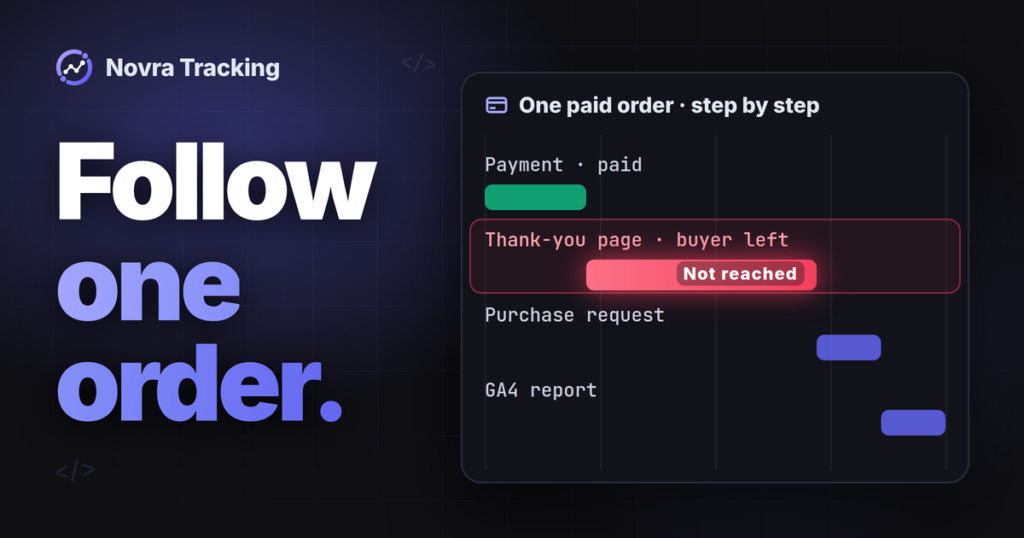
Novra’s documented 30-minute delay applies to its purchase fallback when the browser did not confirm its purchase hit. It is not a documented refund delivery schedule. Confirm the refund trigger and timing for your installed release instead.
Keep consent in the plan
Novra reads supported cookie banners; it does not provide one. In Basic mode, GA4 waits for statistics permission. Novra says its server copies follow the consent recorded at checkout.
In Advanced mode, Google tags can send measurements without cookies while permission is denied. Off disables Novra’s consent handling. Neither is a troubleshooting shortcut for forcing refunds through.
Confirm how the installed refund route applies the recorded choice, particularly for older orders or changed consent. Server delivery does not remove consent requirements or guarantee anonymity. Hashing customer information does not make it anonymous.
Match the refund to Google’s event definition
Google’s GA4 refund reference defines the platform contract. These rules describe what to verify, not proven defaults in your installed Novra version.
| Field | Rule and useful check |
|---|---|
transaction_id |
Required. Use the relevant original purchase identifier so the refund relates to that sale. Keep it non-personal and consistent. |
value and currency |
Google describes value as typically required for meaningful reporting. Currency is required when value is supplied. Use the refunded item value, excluding tax and shipping. |
items |
Recommended for item-level refund metrics, rather than required for every refund event. Include the relevant refunded items. |
item_id, item_name and quantity |
Each supplied item needs an ID or name. Preserve the purchase’s item identity and specify the refunded quantity. An omitted quantity defaults to one. |
price, discounts, tax and shipping |
Use the relevant discounted unit amount. Check separate tax and shipping fields where applicable; do not mix the full cash repayment with item-only value. |
For an amount-only partial refund, do not invent returned quantities. Establish how your integration represents the adjustment and which item-level conclusions remain unsupported.
A refund is a separate event, not a negative replacement purchase. Do not assume sending it deletes the original purchase or reverses every advertising conversion. Novra documents Google Ads corrections separately from GA4 refunds.
Example: a partial refund followed by the remainder
Illustrative reconciliation, not a tested Novra request: order EXAMPLE-ORDER-100 contains three units of item EXAMPLE-MUG, priced at USD 20 each. There are no discounts, taxes or shipping charges.
| Action | Transaction reference | Quantity | Item value |
|---|---|---|---|
| Original paid purchase | EXAMPLE-ORDER-100 | 3 | USD 60 |
| First refund: one unit | EXAMPLE-ORDER-100 | 1 | USD 20 |
| Later refund: remaining units | EXAMPLE-ORDER-100 | 2 | USD 40 |
The two refund amounts total USD 60. The second event represents the remaining USD 40, not another USD 60. Each refund needs its own supporting shop record, although both reference the original transaction.
That differs from sending the same USD 20 refund twice. Google’s transaction-ID deduplication guidance explicitly describes purchase events in web streams. Do not assume it automatically removes duplicate refunds.
Keep individual refund references in your reconciliation record. Ask how your installed integration distinguishes separate partial refunds from a repeated delivery attempt. Do not invent a GA4 refund-ID prefix or change the original transaction reference to solve this.
Review Novra’s cancellation mapping
Novra’s public documentation says full refunds, partial refunds and cancellations go to GA4 as refund events. That is a manufacturer statement about its route. It does not establish that every cancelled order represents money returned.
For an existing cancelled order, inspect payment history, any original purchase event and the actual refund record. An unpaid abandoned order should not be treated as reversing earned revenue.
Use this specific support question if the mapping is unclear: “Does this release send a GA4 refund for an unpaid cancellation? Which payment and refund records determine its value?”
Resolve that question before relying on cancellation-adjusted revenue. Do not change order statuses or replay events just to make the totals match.
Read the right date and revenue metric
The original transaction ID connects the refund to a purchase. It is not the refund’s occurrence time. A refund made weeks after purchase is a new event now, not necessarily an old event being backfilled.
Do not backdate it to the purchase merely to make a historical chart change. Google’s Measurement Protocol timing rules permit backdating up to 72 hours. Older timestamps are adjusted or rejected according to validation behavior. Those rules concern event time, not the age of the order being refunded.
Google’s metric definitions separate Refund amount, Purchase revenue and Gross purchase revenue. Purchase revenue subtracts refunds; Gross purchase revenue does not. Item revenue also accounts for item refunds, excluding tax and shipping.
A refund does not mean the original purchase event count is erased. Compare equivalent dates, time zones, currencies and value definitions. Processed analytics is not a substitute for your payment records or accounting.
Trace missing or repeated refunds without replaying them
- Shop evidence: read the paid order, individual refund records, amounts, quantities, dates and gateway outcome.
- Novra evidence: inspect the configured stream and server connection. Under Settings → Advanced, review available server errors and background-job warnings. Missing log details remain unknown.
- Event evidence: inspect existing GA4 data for the expected refund, original transaction reference, amount, currency and items.
- Report evidence: inspect the matching refund and revenue metrics after processing. Check advertising credit separately.
| Symptom | Next read-only check |
|---|---|
| No refund event | Check destination, refund eligibility, recorded consent, Debug mode, server errors and background delivery. |
| Wrong amount | Compare item value with cash repaid, discounts, tax, shipping and currency. Check whether a later partial refund repeated a cumulative total. |
| No item-level refund | Inspect the items and refunded quantities. A transaction-only refund does not establish item-level detail. |
| Suspicious repetition | Match events to individual refund records and delivery attempts. Look for competing senders before assuming two legitimate refunds are duplicates. |
Novra’s Tools test purchase is synthetic; it does not exercise the refund lifecycle. Debug mode sends GA4 server requests to Google’s validation endpoint. Google’s validation documentation says it does not validate the API secret or add events to reports.
Even a normal Measurement Protocol HTTP success does not prove correct processing. DebugView is not automatic exclusion from reports. Before any event-generating check, confirm an isolated shop, separate GA4 test property and appropriate gateway test mode. Otherwise, keep checks read-only.
Choose Novra Tracking’s supported WooCommerce tracking route when its documented coverage fits your refund workflow. Verify the installed mapping before trusting revenue. Plans use a one-time payment and include a 30-day money-back guarantee.