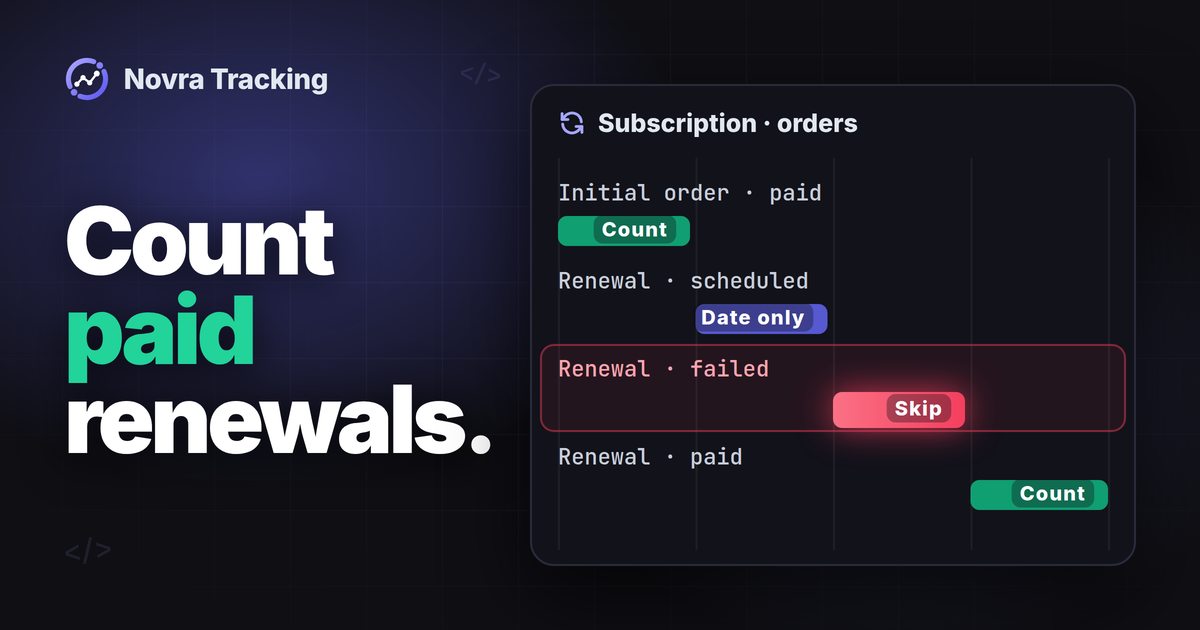
WooCommerce subscription tracking in GA4 should distinguish the first paid order from later paid renewals. A scheduled renewal is not payment received. Automatic renewals can happen without a browser visit, so a thank-you-page tag alone cannot cover that lifecycle.
Novra Tracking for WooCommerce documents GA4 renewals sent from your website’s server for the WooCommerce Subscriptions extension. Its documentation says renewals are reported as renewals, not as new purchases. Confirm the actual event and reporting setup before treating them as standard GA4 purchase revenue.
Separate the subscription from its payments
This guide concerns WooCommerce Subscriptions, the specifically documented extension. It is not a compatibility promise for every WordPress subscription plugin.
WooCommerce’s subscription and order documentation distinguishes the ongoing subscription agreement from the orders linked to it. Use those records to decide what an analytics event should mean.
| Record or action | What it means | Measurement decision |
|---|---|---|
| Initial or parent order | Records creation of the subscription and, where applicable, its first payment. | Check actual payment before counting an initial paid purchase. A free trial or zero-total order is not cash received. |
| Subscription record | Holds the agreement, status and billing schedule. | Use it to understand the relationship, not as proof of another payment. |
| Renewal order | Records an individual renewal in the subscription’s related orders. | Inspect its payment outcome, amount and date. |
| Pending or failed renewal | Payment is outstanding or unsuccessful. | Do not count it as a successful renewal payment. |
| Payment retry | Another attempt to collect an outstanding renewal payment. | A successful attempt can complete that payment; it is not another subscriber acquisition. |
| Cancellation or refund | A change to the agreement or a reversal of a payment. | Track these separately. Cancelling future renewals does not automatically refund earlier charges. |
WooCommerce’s renewal-process guide explains both automatic and manual payments. Automatic renewals require no customer visit. Manual renewals require the customer to return and pay.
An Active subscription can indicate ongoing access and a future renewal date. It does not prove that a particular renewal order was paid. Inspect the related order and gateway result.
Understand what Novra documents for GA4
The Novra Tracking delivery and compatibility guide documents WooCommerce Subscriptions renewals separately from new purchases. It also places GA4 renewals on the server route. This is useful when billing continues after the customer leaves your website.
The platform and WooCommerce sections do not identify the exact renewal web-event name, parameter mapping or send timing. Confirm these for your installed release. Do not invent an event name or assume Novra sends an additional purchase.
Its 30-minute rule concerns purchase recovery when the browser did not confirm its purchase hit. That rule is not a renewal schedule. The subscription’s billing schedule and successful payment are separate from analytics delivery.
Connect the correct GA4 server route
A GA4 property contains reports; its web stream identifies your website connection. Measurement Protocol is Google’s interface for server-sent events. Novra’s documented server route needs that web stream’s API secret as well as its Measurement ID.
Use our WooCommerce GA4 connection guide for the initial setup. Novra documents WordPress 6.4+, PHP 8.0+ and WooCommerce 8.0+. Check your installed release and confirm WooCommerce Subscriptions is the extension in use.
- Inventory existing senders. Identify GA4 plugins, theme snippets and Google Tag Manager rules. Assign an owner for the initial purchase and each lifecycle event. Do not enable overlapping senders or remove unrelated tags.
- Install Novra if needed using Plugins → Add New Plugin → Upload Plugin. Install and activate its ZIP. In Novra Tracking → Settings, review Store → Shop & Events.
- Under Platforms → Analytics → Google Analytics 4, enable the platform and enter the intended stream’s Measurement ID, beginning with
G-. - In that same GA4 property, open Admin → Data collection and modification → Data streams. Select the shop’s web stream, then Measurement Protocol API secrets. Choose Create, enter a nickname and choose Create again.
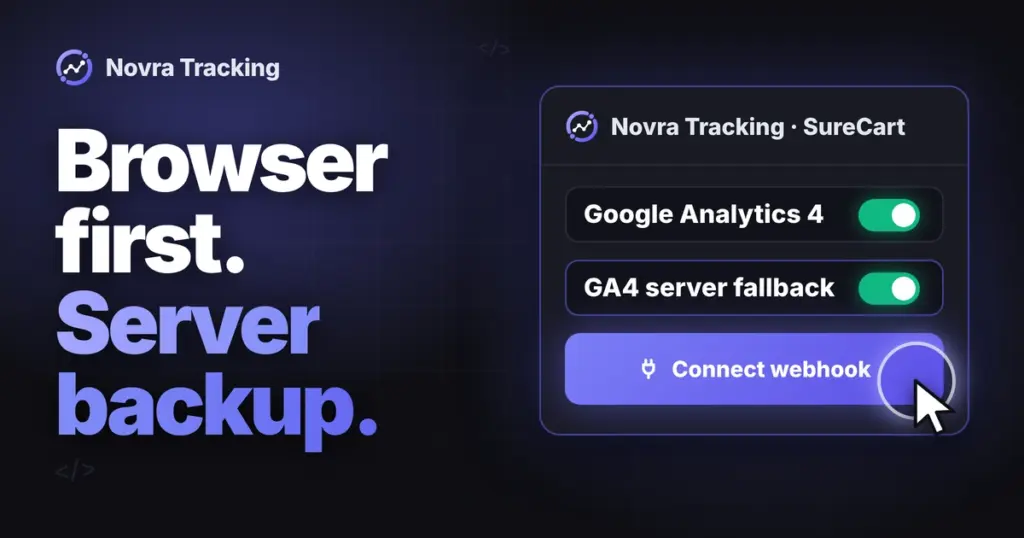
- Enter the secret in Novra’s GA4 API-secret field and save. Enable the server option if your installed settings show it. Do not substitute a secret from another stream or assume a separate renewal switch exists.
- Review Privacy → Consent and Dashboard recommendations. Confirm the installed renewal event contract before building reports around it.
Keep the API secret private. Saving it or seeing a ready status does not establish successful renewal delivery.
Preserve consent and customer context
Novra reads supported cookie banners rather than replacing them. Basic mode waits for the required consent; GA4 uses statistics permission. Novra says its server copies follow the choice recorded at checkout.
For recurring payments, confirm which recorded choice the installed renewal route uses and how it handles a later change. Do not assume a months-old subscription means permanent permission.
In Advanced mode, Google tags can send measurements without cookies while permission is denied. Off disables Novra’s consent handling. Server delivery and hashing are not anonymity guarantees or consent bypasses.
A renewal may have no current browser session. Review the actual client and session identifiers, which connect events to a browser or visit. Do not manufacture a session, ad click or original acquisition source.
Google describes Measurement Protocol as supplementing normal collection. It does not restore missing browser context automatically. Event receipt, customer association and advertising attribution remain different checks.
Build a report for the event you actually receive
First obtain a sanitized example of the installed renewal event from existing evidence. Record its name, success condition, payment reference, amount, currency and relevant item fields. State whether value includes tax, shipping and discounts.
Do not reuse one subscription ID as the unique transaction ID for every separate payment. A subscription identifies the relationship; renewal orders distinguish its payment records. The actual GA4 identifier mapping still needs confirmation.
Google’s automatically collected app events include app_store_subscription_renew. That app-specific event is not evidence that a WooCommerce web renewal uses the same mapping.
Google’s Purchase revenue definition lists particular purchase and app-subscription events, minus refunds. It does not say every custom event with a monetary value becomes Purchase revenue.
A renewal value or key-event label is not automatically standard purchase revenue. A key event simply marks an action as important. Do not rename or duplicate renewals as purchases merely to fill a standard report.
Use custom reporting only after confirming the mapping
If the installed integration sends a custom event, use the actual case-sensitive name in your analysis. Google’s custom-event guide explains how collected events appear in the Events report. Do not create another event before checking what already arrives.
For a developer-defined name, follow Google’s naming rules: start with a letter, use letters, numbers or underscores, and avoid reserved names. That is implementation guidance, not a Novra event specification.
Use existing dimensions where they fit. For additional collected parameters, Google’s custom dimensions and metrics guide distinguishes descriptive categories from numerical measures. Register only what the confirmed measurement plan needs.
Prefer useful categories over a custom dimension containing a different value for every subscription. High-cardinality dimensions can make reports less useful. Allow the documented processing time after configuration; registration does not create missing historical events.
Use a payment-based measurement plan
Keep new paid subscribers, successful follow-up payments, failed attempts, cancellations and refunds separate. Churn means subscribers leaving; define whether you count cancellation requests or the later end of paid access.
Illustrative example, not observed Novra behavior: a monthly subscription costs USD 30. Assume no discounts, tax or shipping.
| Moment | Shop evidence | Expected business meaning |
|---|---|---|
| First month | The parent order is paid for USD 30. | One initial paid subscription purchase, subject to the configured purchase route. |
| Second month | A different renewal order is paid for USD 30. | One successful renewal payment. Check Novra’s actual renewal event, not an assumed new purchase. |
| Third-month due date | Payment fails; the renewal remains unpaid. | No successful USD 30 renewal yet. A due date or failed attempt is not revenue. |
| Later successful retry | That outstanding renewal order becomes paid. | One completed renewal payment, not one sale per attempt. |
| Customer cancels | The subscription stops renewing or enters pending cancellation. | A retention change. Any refund of an earlier payment needs a separate record. |
WooCommerce’s failed-payment retry documentation provides the order’s retry history. Read it alongside payment notes rather than counting attempts as payments.
The example has three successful USD 30 payments only after the retry succeeds. That is a shop-side reconciliation total, not a claim about Novra’s GA4 Purchase revenue mapping. GA4 is not a complete subscription ledger or guaranteed lifetime-value calculation.
Diagnose the missing layer
| Symptom | Read-only investigation |
|---|---|
| Subscription is Active, but no payment appears | Find the relevant renewal order and actual paid date. Check for a free period, future due date or unpaid order. |
| Renewal is paid, but no GA4 event appears | Check the actual event name, stream, server setup, recorded consent, Debug mode and available server errors. Review background-job warnings. |
| Initial purchase appears twice | Compare plugin, theme and Tag Manager senders. Check whether a custom rule reports a renewal as a new purchase. |
| Different payments have identical identifiers or wrong values | Compare each renewal order with its event. Check repeated subscription IDs, copied initial amounts, currency and discounts. |
| Renewal event exists, but Purchase revenue is unchanged | Check the event contract and metric definition. A custom renewal may need its own report. |
Novra documents server errors under Settings → Advanced and background-job warnings on its Dashboard. These jobs use Action Scheduler where available, otherwise WP-Cron. A log entry cannot prove how GA4 processed the event. Missing fields remain unverified.
Keep evidence in order: payment completed, event produced, request delivered, destination processed it, report interpreted correctly. Attribution, meaning marketing credit, is a further check.
Do not confuse validation with a renewal test
Novra’s synthetic Tools test purchase does not create a subscription or exercise renewal billing. Its Debug mode sends GA4 server requests to Google’s validation endpoint. Google’s validation guide says the endpoint does not validate the API secret or add events to reports.
A normal Measurement Protocol HTTP success also does not prove correct processing. DebugView alone does not exclude activity from reports. Do not trigger a real renewal or retry to make an event appear.
Before any active lifecycle check, confirm an isolated subscription test store, separate GA4 test property and appropriate gateway test mode. If that setup is unavailable, inspect existing records and leave the lifecycle test unverified.
Review Novra Tracking’s WooCommerce support and plans if this documented server route fits your measurement needs. Confirm the renewal mapping before rollout. Plans use a one-time payment and include a 30-day money-back guarantee.