SureCart Facebook Pixel tracking can use SureCart’s native browser integration or Novra Tracking. Choose one owner for each event. For eligible paid orders sent directly from WordPress, Novra Tracking’s SureCart integration adds a separate Meta Conversions API connection. Installing a Pixel alone does not establish that server connection.
The Meta Pixel is the browser script used for Facebook and Instagram measurement. Conversions API, often shortened to CAPI, sends events directly to Meta. Both paths still need the correct data source, permitted data use and an appropriate consent setup.
Decide between native Pixel and Novra
SureCart’s native Facebook Pixel guide describes installing the Pixel plugin directly, rather than through a script manager. It lists Add to Cart, InitiateCheckout, Purchase, Start Trial and Subscribe. Those are claims about that native route, not an automatic event list for Novra.
SureCart also documents a separate Tag Manager or custom-event approach. Do not combine those tutorials as though they were mandatory steps for Novra.
The native route may be enough if you only need its browser events. Choose Novra when you want its supported SureCart event handling, consent integration and direct paid-order reporting managed together in WordPress. While Novra’s Meta connection is ready, its SureCart integration switches off SureCart’s own Meta events. It cannot coordinate arbitrary Pixel snippets installed elsewhere.
- List Pixel senders in the native integration, Tag Manager, theme, snippet plugins and other tracking tools.
- Choose the sender that should own each event for this Meta source.
- Keep one deliberate browser purchase path, then add its matching server path if required.
Connect the right Meta source
- Confirm requirements. Novra’s public guide lists SureCart 4.9+, WordPress 6.4+ and PHP 8.0+. Check your installed versions and the shop detected by Novra.
- Select your website’s source in Events Manager. Record its Pixel ID. Do not accidentally select a test business, another store or a similarly named source.
- Configure the browser connection. Open Novra Tracking → Settings → Meta, enable the platform and enter that Pixel ID.
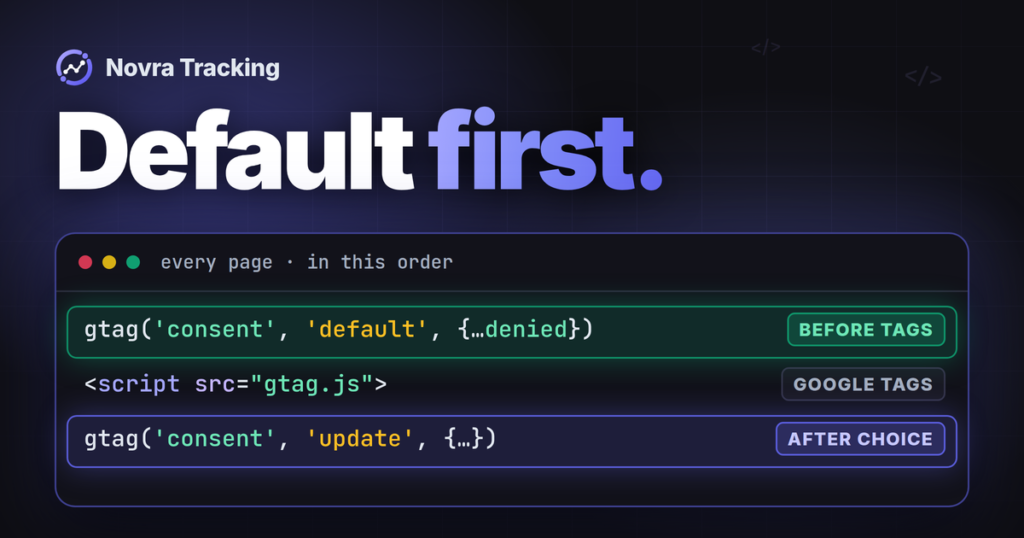
- Confirm marketing consent. Novra waits for marketing permission for Meta in both Basic and Advanced modes. Google’s Advanced consent behavior does not create a consent-free Meta mode.
- Check the planned event coverage. Product views, cart changes, checkout and purchases need separate checks. Do not assume native SureCart trial and subscription events have identical Novra behavior.
The Novra Tracking platform documentation describes the settings. These steps apply to SureCart checkout on the WordPress site running Novra. Confirm support separately for an external hosted or headless checkout.
Add the SureCart and Meta server connections
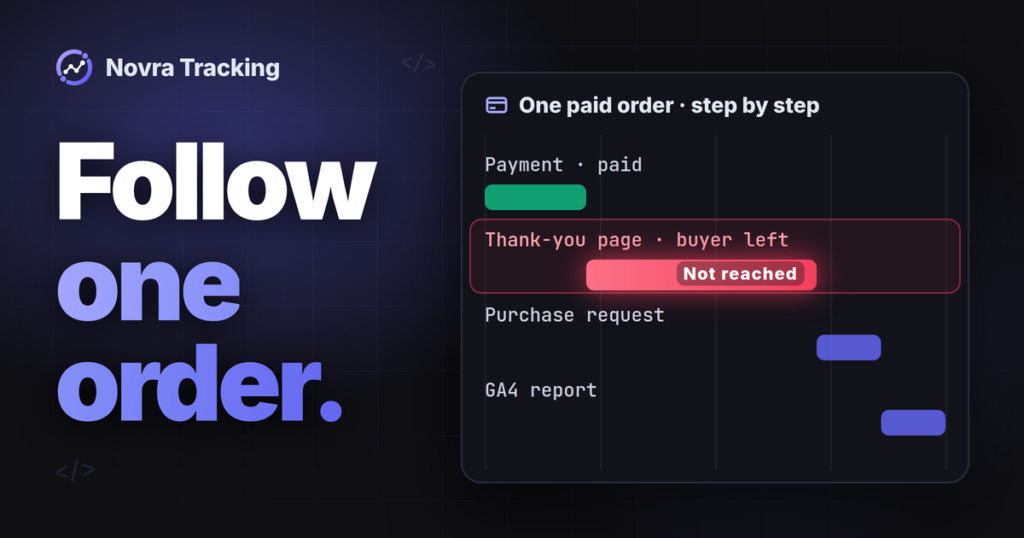
There are two different connections. SureCart must notify WordPress of order changes. WordPress then needs permission to send an eligible event to Meta. A green status for one connection is not proof of the other.
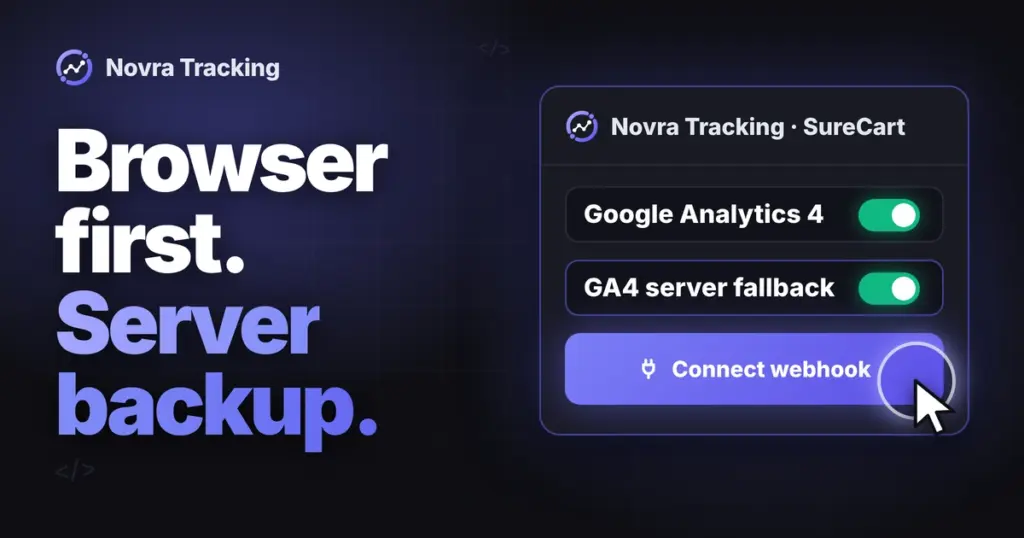
- Connect Novra’s SureCart webhook. In Shop & Events, use Connect webhook. With one click, Novra registers its own webhook in your SureCart account. It receives payments, refunds and cancellations from SureCart.
- Check delivery readiness. Confirm the registered address and webhook status. Background jobs must run. Have the host investigate blocked requests without removing signature verification.
- Obtain an authorized Meta access token. Meta’s Conversions API setup guide says to choose the Pixel, open Settings and use the Conversions API setup. Its Generate access token option requires business developer privileges. If the option is missing, resolve access with the business owner.
- Use the same source. Enter the token in Novra’s private Meta settings and enable Send purchases from the server. The browser and server must use the same intended Pixel ID. Novra then sends each eligible paid order a few minutes after payment, only with the marketing consent recorded at checkout.
Do not paste the token into page HTML, a public support thread or a screenshot. Do not create another Pixel just because a token is unavailable for the intended source.
Novra also looks up open SureCart orders every 15 minutes. That limited safety net is not a complete substitute for the dedicated webhook. In particular, do not rely on it to discover every later refund or subscription renewal.
Pair the same purchase, not just the same amount
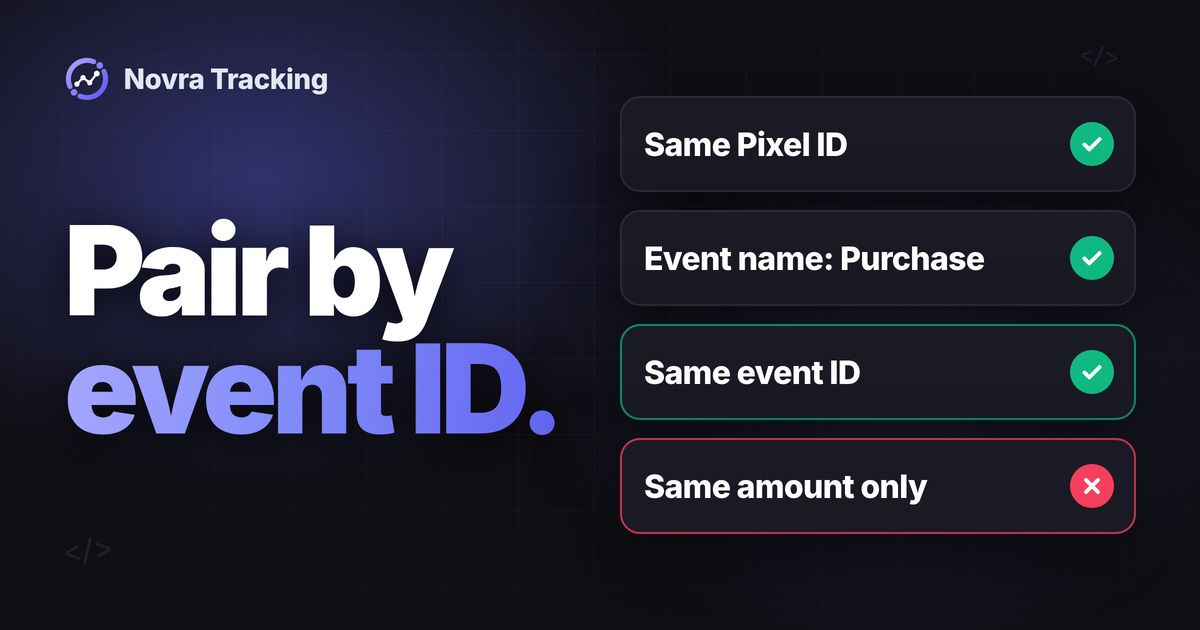
The same value is not a deduplication key. Meta’s browser and server pairing rules require matching event identity:
| Check | Browser | Server |
|---|---|---|
| Destination | The intended Pixel ID | The same Pixel ID |
| Event name | Purchase |
event_name: Purchase |
| Event identifier | eventID |
Exactly matching event_id |
| Purchase details | Agreed currency, value and items | The corresponding details for that purchase |
For SureCart orders, Novra builds the event ID from order_ plus the ID of Novra’s local WordPress tracking record. That is not necessarily the visible SureCart order number or its cloud UUID. Let the paired integration manage it; do not invent a second identifier in a custom tag.
Meta documents a 48-hour matching window from receiving the first event with that event ID. Novra applies its own, earlier limit: it sends the server copy only for orders paid within 47 hours of being placed, and it also checks the age of an existing browser purchase. SureCart supplies its order creation time, with checkout creation time as a fallback. These are distinct clocks, not a promise that any two events sent within two days will merge.
A late manual payment may therefore be unsuitable for the server purchase path. Check the actual payment timing and diagnostic reason. Do not assume that a SureCart status update overrides Meta’s requirements.
Check purchase data and consent
Novra’s server event uses Purchase, action_source: website, an event time, source URL and available customer-matching context. Its custom data contains the currency, selected purchase value and supported item data. Meta’s event parameter requirements distinguish website events and their required fields.
A webhook notification alone does not recreate missing visitor context. A manually created order or checkout outside the supported browser flow may not have the required consent or user-agent information. Novra’s server path can skip such an order even though SureCart shows it as paid.
Novra’s Meta conversion value can use total, products value or margin. For SureCart, products value is subtotal less discount. Margin needs reliable cost input; a missing cost is not evidence of profit. Keep the definition consistent between browser and server.
Hypothetical example: products after discount total $70, tax is $7 and shipping is $5. Total is $82. Either figure describes something different; two copies of one purchase should not disagree because their settings use different definitions.
Advanced matching is optional and uses eligible customer information. Hashing an identifier does not make it anonymous. Meta has field-specific rules; browser IDs, user agents and other fields must not all be hashed indiscriminately. Check consent and permitted use before enabling additional data collection.
Keep refunds, trials and renewals distinct
Novra’s documented Meta purchase route is not a refund-reversal API. A successful refund notification from SureCart does not mean that an earlier Meta purchase is automatically removed. A cancellation before an eligible server purchase goes out can prevent that send; it is a different situation.
Also distinguish SureCart’s access-related purchase lifecycle, trials and subscription renewals from a new paid acquisition. Novra’s Meta purchase path excludes renewals. Do not promise a particular renewal or trial event without checking the installed integration’s specific support.
Verify receipt, pairing and reporting separately
Use a genuinely isolated measurement setup for a planned checkout check. Meta explicitly says events with a test event code are not dropped. They can be used for targeting and ads measurement. A test code, private window or test payment method alone does not guarantee separation from live advertising.
Use an isolated shop and a separate Meta source that is not used by active campaigns. Check all other configured destinations too. SureCart test orders are normally excluded by Novra unless its test-order option is enabled.
- Check the source: the correct Pixel ID and authorized server connection.
- Check the order: a paid, eligible order with the intended consent and visitor context.
- Check receipt: in Events Manager, identify the expected event and whether it came through browser, server or both.
- Check pairing: compare event names and IDs, then inspect Meta’s deduplication information. Two received copies do not necessarily mean two counted purchases.
- Check details: currency, value, items, source URL and timing must correspond to the same order.
- Check reporting: inspect processed results and advertising attribution separately. A successful API response or matching-quality score is not a purchase-attribution guarantee.
Include denied consent, browser return, no return, delayed payment and a repeat visit in the planned scenarios. A synthetic connection test is not evidence that a real SureCart checkout satisfies them.
Read the Novra Tracking FAQ on measurement limits before comparing store and ad totals. Measuring in Google too? Our SureCart Google Analytics guide and our SureCart Google Ads conversion tracking guide cover those separate routes.
If a combined browser and server route fits your shop, see Novra Tracking’s SureCart and Meta features and confirm your source, consent and payment timing before rollout. It is a one-time payment with a 30-day money-back guarantee, so you can judge it on your own shop.