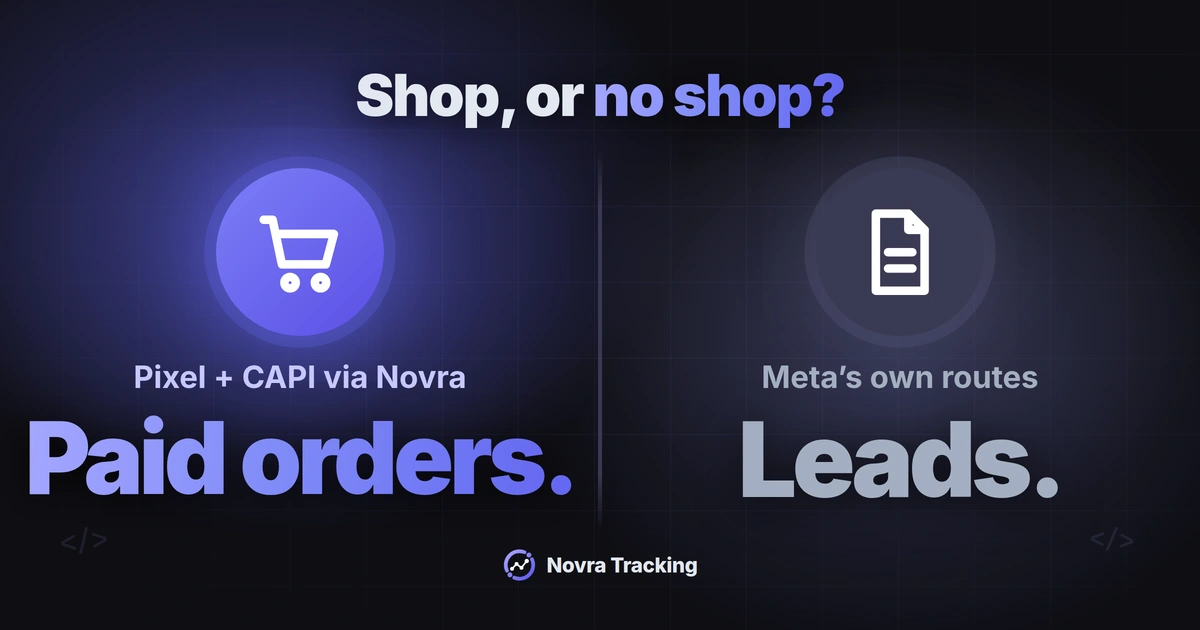
The WordPress Meta Conversions API sends conversion events from a server to Meta, alongside the Meta Pixel in your visitor’s browser. Which route fits depends on one question: do you run a shop? With WooCommerce, FluentCart or SureCart, Novra Tracking’s Meta Pixel and Conversions API integration reports paid orders from your own site. Without a shop, Novra only runs the browser Pixel, so you need one of Meta’s own routes for a server copy.
This guide compares those routes, then covers deduplication, consent, testing and the limits you should know before you switch anything on.
What the Conversions API does and why the Pixel has gaps
The Meta Pixel is a script that reports visits and actions from the visitor’s browser. Ad blockers, closed tabs, strict browsers and payment redirects can stop it before it reports a sale.
The Conversions API (often shortened to CAPI) is Meta’s interface for receiving events from a server instead. Meta recommends running both together and calls this a redundant setup. When both report the same action, Meta needs a shared event ID to count it once.
Keep two limits in mind from the start:
- A server copy cannot invent an action. It only helps when your server actually knows that a purchase or enquiry happened.
- Server-side does not mean consent-free. The same consent rules apply to both copies. More on this below.
Compare the routes on WordPress
Meta’s comparison of Conversions API setup options lists a Meta-enabled setup, direct integrations and partner integrations. On WordPress, these are the realistic choices:
| Route | Who runs it | What reaches Meta from the server | Fits when |
|---|---|---|---|
| Novra Tracking with a supported shop | A plugin on your WordPress site | Each paid order, with the same event ID as the Pixel’s purchase | You sell with WooCommerce, FluentCart or SureCart |
| Meta-enabled Conversions API | Meta, switched on in Events Manager | Copies of the events your Pixel already shares; web events only | You have a working Pixel and want a server copy without hosting anything |
| Partner integration, such as Meta’s WordPress plugin or a commerce platform like WooCommerce | The partner or plugin | Depends on the partner and its settings | Your form, CRM or platform has a supported Meta connection |
| Conversions API Gateway | Your own cloud account, such as AWS or Google Cloud | Browser events forwarded through your server instance | You need several domains or Pixels and accept cloud costs |
| Server container or direct integration | You or your developer | Whatever you configure | You need custom events, CRM data or several destinations |
Meta describes the Conversions API Gateway as a server instance in your own cloud account. Its only cost is the cloud resource or partner fees. A server container works on similar infrastructure; Google’s introduction to server-side tagging explains that architecture.
Assign one route to each event. Two plugins that both load the Pixel, or two server routes for the same purchase, make reports harder to trust. List all plugins, theme snippets and tags before you add a new route.
Sites with a shop: Pixel and CAPI with Novra Tracking
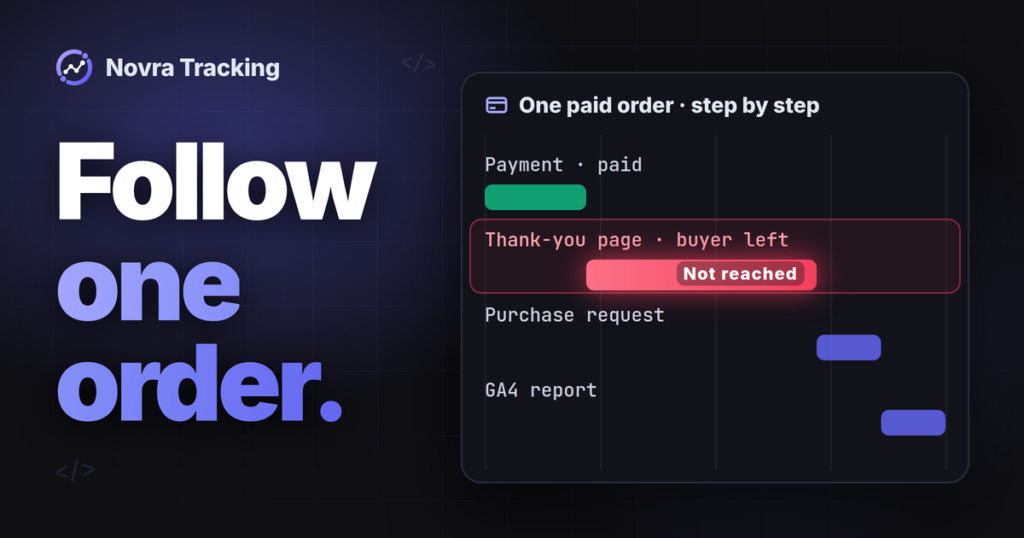
For a shop, the most valuable server event is the paid order. A buyer who pays by redirect and does not return to the thank-you page is exactly the sale a browser Pixel misses.
Novra Tracking runs the Meta Pixel for page views, product views, carts, checkouts and purchases. With server tracking switched on, your website also sends each paid order to Meta. According to Novra’s documentation, the server copy works like this:
- It is sent once per paid order, a few minutes after payment.
- It uses only the marketing consent recorded at checkout.
- It goes out only for orders paid within 47 hours of being placed, because Meta cannot pair later copies.
- The Pixel and the server share one event ID, so Meta counts the sale once.
- Meta has no refund event. A cancellation before the server copy goes out stops it.
Set up Meta in Novra Tracking
- Open Novra Tracking → Settings → Meta, switch the platform on and paste your Pixel ID.
- In Events Manager, open your dataset, then Settings → Conversions API → Generate access token. Meta shows this link only to users with developer privileges for the business.
- Paste the token into Novra’s Conversions API field and switch on Send purchases from the server. The token is stored encrypted and does not appear in the page, the settings export or the system report.
- Choose the purchase value: order total, products after discounts without tax and shipping, or profit margin. Margin needs cost data; orders without costs fall back to the products value.
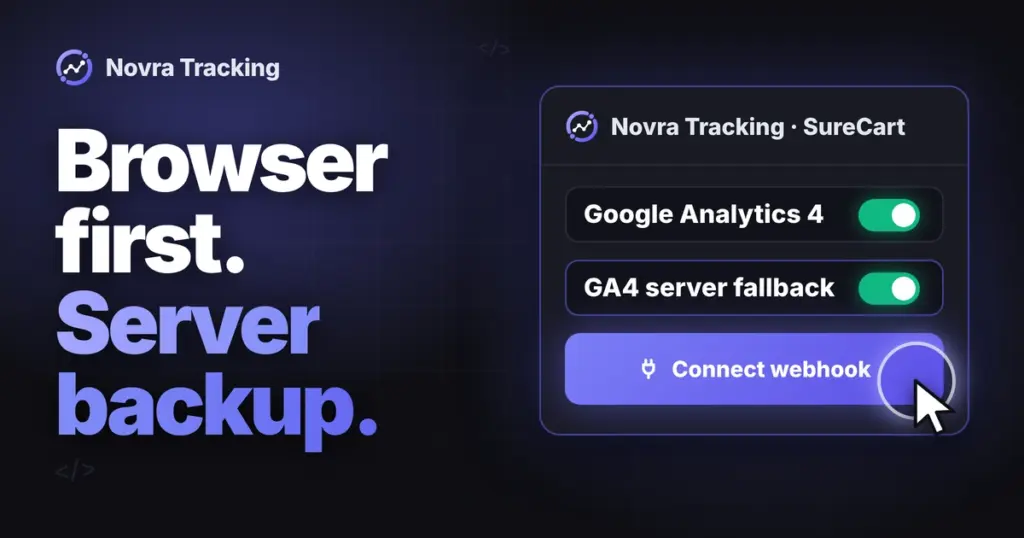
- For SureCart, register the webhook with one click so payments reach the server path.
- Check that your cookie banner is detected in the Consent section.
Shop-specific steps differ. See the WooCommerce Facebook Pixel and Meta CAPI guide, the FluentCart Pixel and CAPI walkthrough or the SureCart Pixel and CAPI guide for detailed checks. If you are still weighing plugins against a server container, start with choosing a server-side route for WooCommerce.
Sites without a shop: leads, forms and what Novra does
Many WordPress sites sell through enquiries, bookings or sign-up forms. Here the honest answer differs, and it matters before you buy anything.
Novra Tracking sends no server events without a supported shop. Its docs state that server tracking needs a shop and that the server-side features are hidden without one. On a site without a shop, Novra’s Meta integration runs only the browser Pixel, for example for page views, after marketing consent.
Novra also tracks sign-ups and logins on such sites. Contact form submissions and Meta’s Lead event are not among Novra’s documented events. A submitted contact form therefore does not reach Meta as a lead through Novra, neither from the browser nor from the server.
For a lead-focused site, these routes are worth checking:
- Meta-enabled Conversions API: Meta lists it as free and set up with one click. It shares the events your Pixel already sends and deduplicates them automatically. It adds no events your Pixel does not have.
- A partner integration: Meta’s partner integrations for website events include website platforms such as WordPress. The official Meta pixel for WordPress plugin names Lead events and Conversions API support. Confirm that it recognizes your exact form plugin.
- A CRM integration: if leads land in a CRM, Meta’s Conversions API for CRM partners can connect that lead data.
- A direct integration or server container: this suits custom forms, but needs a developer and ongoing maintenance.
Run one Pixel installation per site. If Meta’s plugin loads your Pixel, leave Novra’s Meta platform switched off, and the reverse. You can still use Novra for other platforms, such as Google Analytics 4.
Deduplicate Pixel and server events
Deduplication means Meta recognizes two reports of one action and keeps one. Meta’s deduplication documentation recommends matching on event name and event ID:
- Both copies go to the same Pixel ID.
- The Pixel’s event name matches the server’s
event_name. - The Pixel’s
eventIDmatches the server’sevent_id. - Both arrive within 48 hours of Meta receiving the first event with that ID.
Example: two different $80 orders need two different event IDs. One order reported by browser and server needs the same ID in both copies. Equal amounts or email addresses do not replace the event ID.
Do not mix up three time limits. Meta’s 48-hour pairing window is one. Meta also accepts an event_time up to seven days old, which does not extend pairing. Novra’s 47-hour rule is a third, stricter safeguard for its server copy.
Consent and permitted data
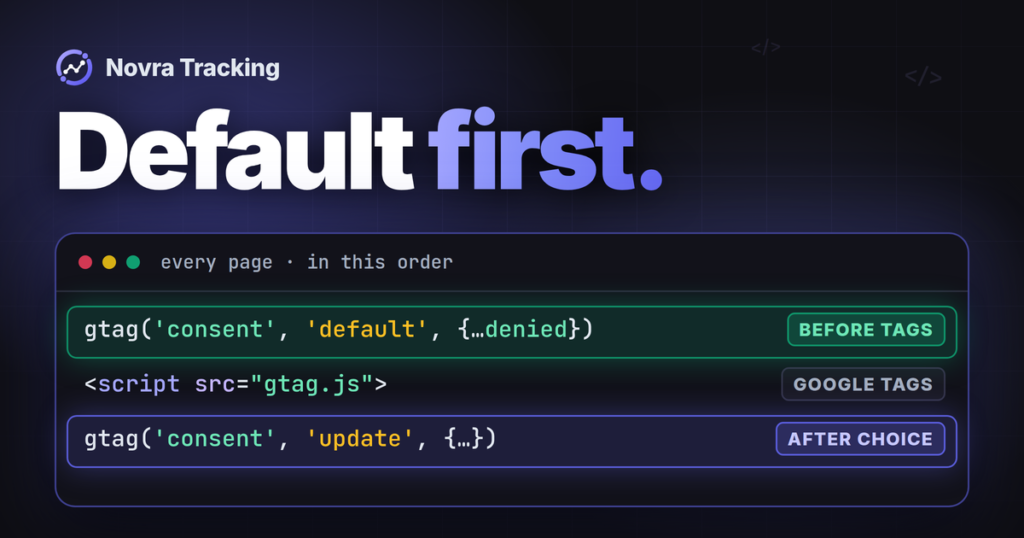
Server-side tracking does not bypass a visitor’s choice. A refusal in your cookie banner should stop both the Pixel and its server copy.
- In Novra Tracking, Meta waits for marketing consent in Basic mode and in Advanced mode. Google Consent Mode signals do not count as permission for Meta.
- Novra’s server copy uses the consent recorded at checkout. A buyer who refused marketing is not sent to Meta.
- The Meta-enabled Conversions API copies what your Pixel shares, so control the Pixel with your banner.
- Hashing an email address helps Meta match events; it does not make the data anonymous.
Keep enquiry messages and sensitive details out of event names, URLs and parameters. Whether your setup meets your country’s privacy law is a question for your legal advisor.
Test in Events Manager
Events Manager has a Test Events tool. It gives you a test event code that you add to server events, so they appear in the Test Events window.
A test event code does not isolate your test. Meta’s Conversions API usage guide says these events are not dropped. They flow into Events Manager and are used for targeting and ads measurement. Remove the code when you finish testing.
- Write down the expected result first: which action, which event name and which route.
- Test as a visitor. Novra excludes administrators and shop managers by default, so use a private window.
- Check the refusal path first, then accept marketing consent and repeat.
- Add
?nvtr_debug=1to a page address to see Novra’s browser events in the console. - Compare browser and server events in Events Manager. Check the connection method, event name and event ID.
- Repeat with a second, separate action and confirm it receives a different event ID.
Meta says received events are usually visible within 20 minutes. Receipt is still not the final answer. A sent request, Meta’s receipt, deduplication, reporting and ad attribution are separate checks. Passing one does not prove the next.
Limits to know before you start
- No setup counts each conversion. Consent refusals, ad blockers and attribution windows remove some.
- Novra’s server copy covers paid orders from WooCommerce, FluentCart and SureCart only. Other shop plugins, such as Easy Digital Downloads, are not supported.
- Orders paid more than 47 hours after being placed reach Meta through the browser Pixel only, if at all.
- Your shop and Meta Ads Manager will still show different numbers, because Meta only counts sales it links to its ads.
- A Meta-enabled server copy only mirrors browser events. It cannot report a sale the Pixel did not see.
FAQ
Does Novra Tracking send leads to the Meta Conversions API?
No. Lead events are not among Novra’s documented events, and its server features need a supported shop. For leads, check the Meta-enabled Conversions API, a partner integration for your form plugin or a CRM integration.
Do I need the Pixel if I use the Conversions API?
Meta recommends running both. Novra’s server purchase shares its event ID with the Pixel’s purchase, and the Meta-enabled route copies events from the Pixel.
Can I use the Conversions API Gateway together with Novra Tracking?
It is a separate route, not a required extra layer. If you add one for the same events, check deduplication in Events Manager before relying on the numbers.
Choose your next step
Run a shop on WooCommerce, FluentCart or SureCart? See Novra Tracking’s Meta and server-side features and plans, then test with the steps above. Plans are a one-time payment with a 30-day money-back guarantee.
Run a lead site without a shop? Start with the Meta-enabled Conversions API or a partner integration that supports your form plugin. A verified event in Events Manager matters more than an installed plugin.